DocsCharacters and voice
Characters and voice
If a hero appears in more than one video, make them a character: the agent draws a portrait and angles, picks a voice and keeps the hero consistent.
What you’ll need
- A video project
Characters live in the characters/ folder and are available to every video in the project.
- A description of the hero
Age, looks, clothes, personality, how they speak. A reference photo works too.
Step by step
Describe the hero
Tell the agent who they are and what they look like. The agent fills in the character card: role, age, looks, clothes, speech, personality. You can edit the card right in the app.
Tell the agent“Create a character named Max: 30, an English teacher, hoodie, calm voice”
M maax.english Characters max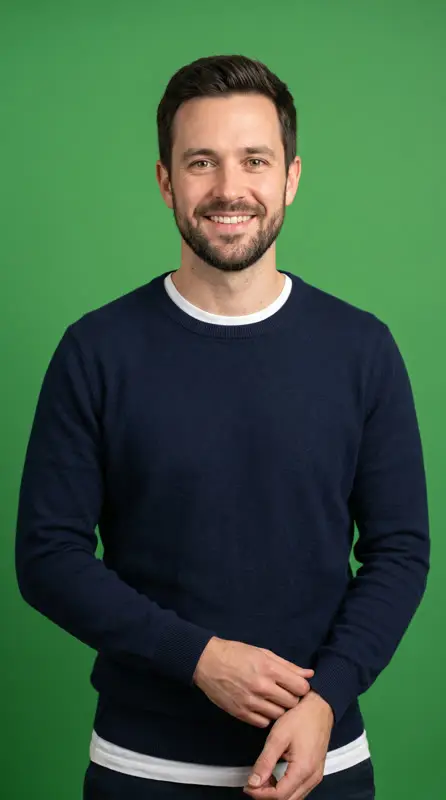 MaxLeadcharacters/max/ · 4 videos · 3 versionsUsed in videos3Coffee shop
 Max at the coffee shop
 The stingy bee
 False friends #3Descriptioncharacter.mdVersionsversions/LooksDark hair, short beard, navy sweaterVoiceVoice: Max, warmPersonalityThe channel host, talks fast and with a smile.Angles and versions
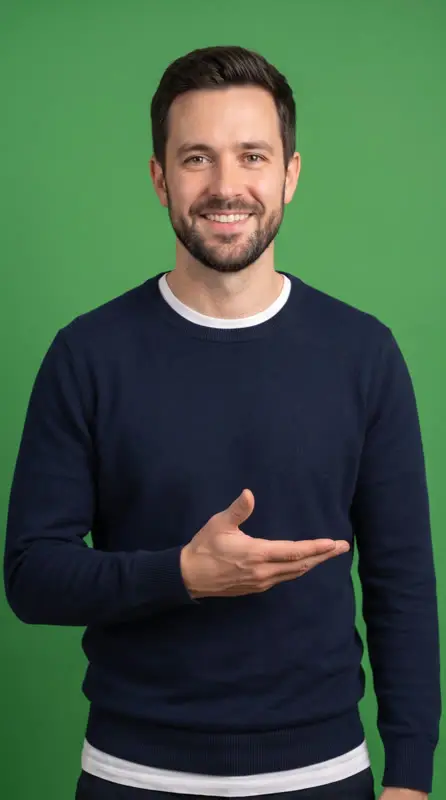 Coffee shopmainv1
 Officev2
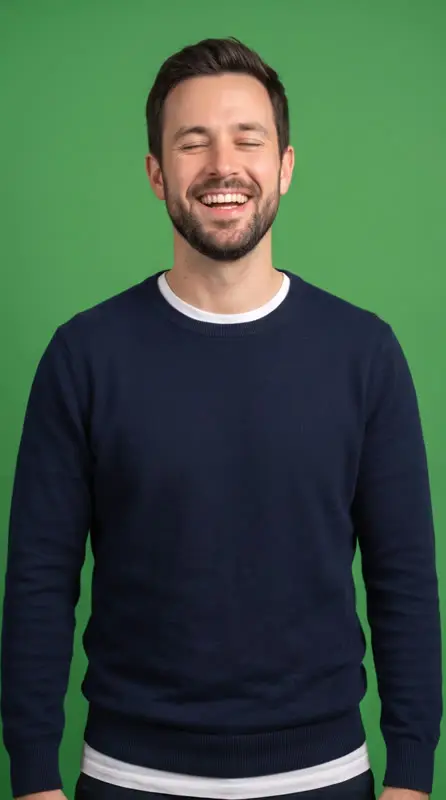 Streetv3
 MaxEnd FrameThe channel host, talks fast and with a smile.
Approve the portrait
The agent draws a base portrait – it keeps the hero recognizable in every frame. Don’t like it? Say what to change and a new version appears. The old ones stay.
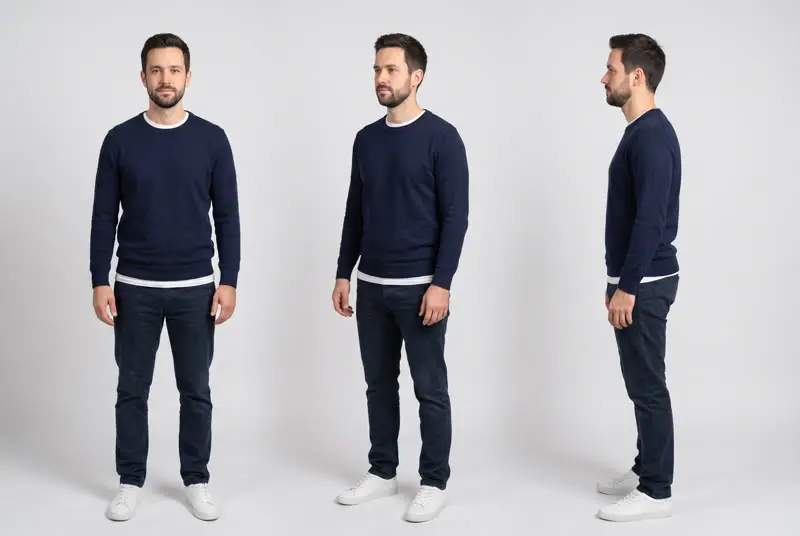
Then the agent makes an angle sheet: front, side, back, with props from the video.
Pick a voice
The agent suggests voices that fit the speech description and plays a short sample. The voice you choose is saved to the card and used in all of the hero’s videos.
Tell the agent“Voice it with Max’s voice”
Add lip sync if the hero speaks on camera
Once the voice-over is approved, the agent can make the hero’s lips move with the voice. It names the price for the video’s length and runs it only after your “yes”.
What to tell the agent
Write in the project chat in plain words. Change the details to fit your case.
- “Create a character …”
- “A new version of Max: in a suit, for the office”
- “Use Max in the hoodie for this video”
- “Let me hear three voices for Sonya”
- “Have Max speak on camera”
Tips and notes
FAQ
Can I make a character from my own photo?
Yes. Drag the photo into the chat and say who it is. The agent makes a character version from it.
How much does a character cost?
The portrait and angles are a few images, voice-over and lip sync are priced by length. The agent names the price of each step in advance.