DocsEditing with words
Editing with words
In End Frame the agent puts the edit together: frames, captions, voice, music and transitions. You see it on the timeline and change it with a line in the chat or by hand. You can also build a video from a trend template.
What you’ll need
- A script and a voice-over
The voice sets the length and rhythm, so editing comes after the voice-over.
Learn more
Step by step
Ask for the edit
The agent lays out the frames by the script, adds the voice, music and captions and opens the edit on the timeline. Right after that it makes a draft render for you to watch.
Tell the agent“Put the edit together from the script, calm music”
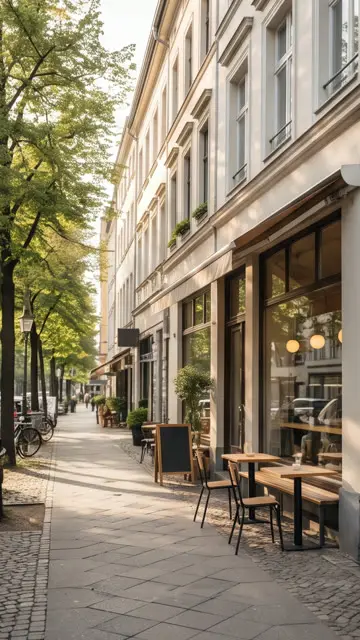
M  🎬Max at the coffee shopStatusIn reviewLength6 scenes · 0:30 · 9:16Account@maax.english · Reels 9:16CharactersMaxScenes1. Max walks into a coffee shop and orders a coffee.0:00–0:05
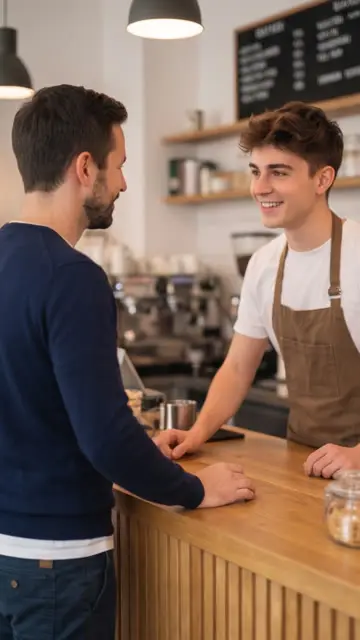
 2. The barista asks: “For here or to go?”0:05–0:10
 3. Max answers with a common mistake.0:10–0:15
 4. Freeze frame: the mistake explained in a big caption.0:15–0:21
 5. The right phrase, Max smiles.0:21–0:26
 6. A question to the viewer: how would you say it?0:26–0:32
 GridFrame 7 · Cup0:24Take 3 of 31Brighter kraft paper cupSent to the agent · 1 min123456780:12.49:16 Fit PropertiesFor here or to go?0:12.4 / 0:32.00:12.48 · 0:32VideoCaptionsVoiceMusic0:000:040:080:120:160:200:240:282.44.03.64.64.44.24.44.0For here or to go?To go, pleaseThree wordspulse-low.mp3 · −6 dBEditEnd FrameMake the intro shorter and add subtitlesWorkingThe intro is 0.6 s shorter and the subtitles follow the voice timing.
Change it with words
Say what you want to change: move, trim, slow down, swap a clip, add a transition or an effect. The agent edits and shows what changed.
Effects and transitions come from the End Frame catalog: glitch, film, blur, masks, chroma key, a video inside a phone or laptop screen.
Tell the agent“Make the intro shorter and add a transition on the second frame”
Or build it from a trend template
A template is a ready-made rhythm: cuts, effects and music with slots for your clips and text. The agent suggests up to three templates that fit the length and mood, and shows which clip goes into which slot.
Tell the agent“Find a trend template for these clips”
Edit the timeline yourself
You can move and cut clips by hand. The agent sees your changes and fits the voice and captions to them without undoing what you did.
What to tell the agent
Write in the project chat in plain words. Change the details to fit your case.
- “Trim the first clip by a second”
- “Duck the music under the voice”
- “Add a glitch on the scene change”
- “Put this video inside a phone screen”
- “Remove the host’s background”
- “Make it like this reel”
Tips and notes
FAQ
Can I use my own videos?
Yes. Drag clips into the chat or into the video folder. The agent uses them in the edit or drops them into the template’s slots.
Where do I get music?
The agent can pick or generate a track, or use your own file. You’re responsible for the rights to your own music.
Can I turn my video into a template?
Yes, say “turn this into a template”. Then you can build new videos in the same rhythm from it.