Skip to content
12 sound tricks

Bet you missed
at least one.

Viewers rarely notice the sound – they just feel that a video is “alive”. Below are 12 sound tricks you can use in any editor, with the sounds from our reel to download. Then how the reel was made: a countdown, no host, every trick heard the moment it is named.

12sound tricks that work in any editor
5of them in the reel, on the word
$0.35for the reel, sounds included
Coming soon on Instagram
The tricks and the reel

Twelve tricks.
Then a reel that plays five.

First the tricks, each with where it goes. Then the steps of the reel: the messages to the agent and the price of every step from the End Frame cost log. The sounds below are free to download.

Step 01 / 06The 12 tricks

What makes a video sound edited.

The owner wrote

A dispute in the hook and a timer for the whole reel, no host. Real advice, no ad.

The agent did

Wrote down the sound tricks that keep coming back in the viral editing reels we broke down, in plain words, with where each one goes.

Step freeReel $0.00
  1. 1

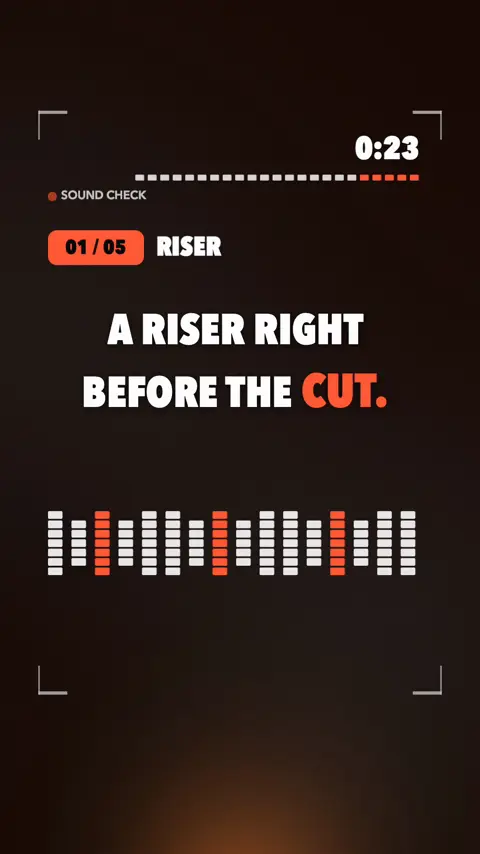
    A riser before the cut: a rising sweep for 1–2 seconds that peaks exactly on the cut. The viewer feels the change coming.

    transition
  2. 2

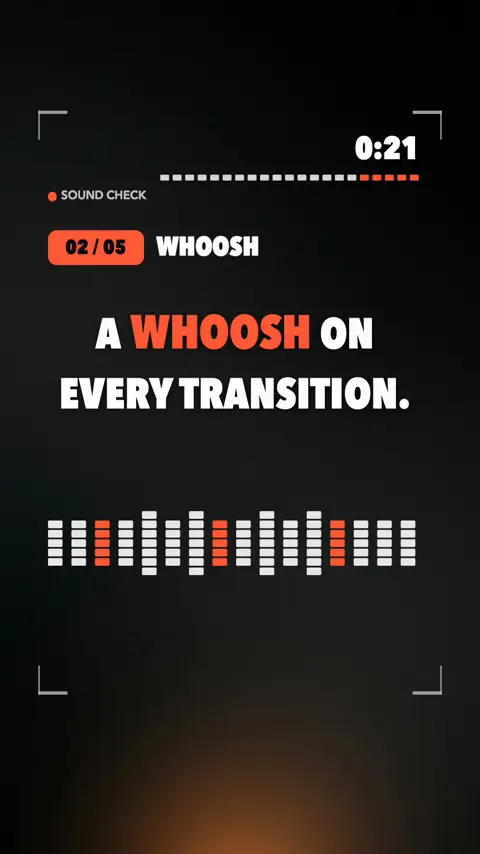
    A whoosh on every transition: a short air sound synced to the move of the frame. Without it a fast transition feels cheap.

    transition
  3. 3

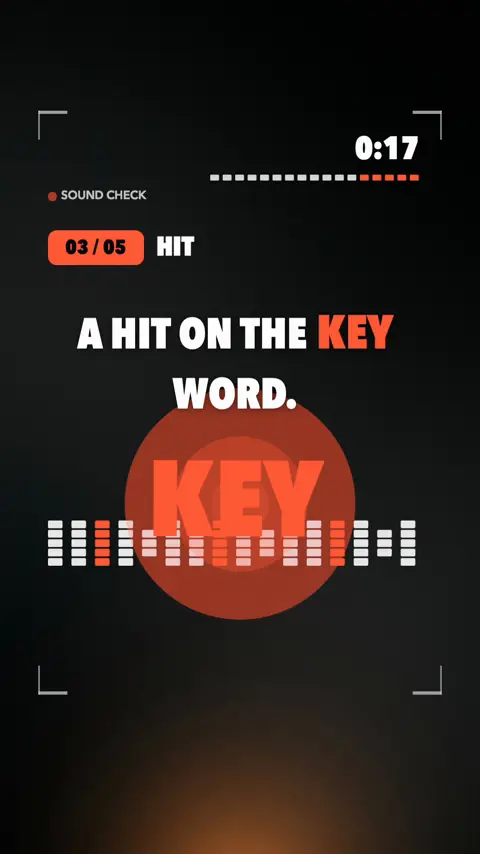
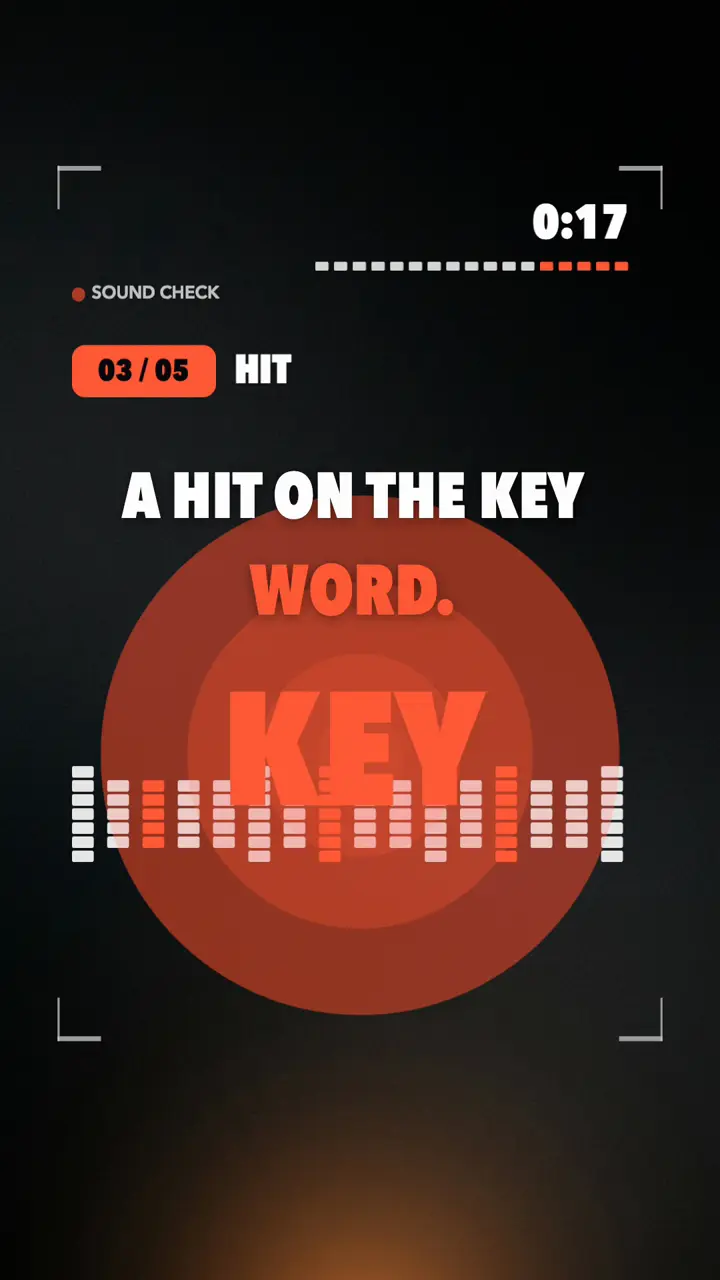
    A hit on the key word: a low boom on the one word that matters. One per line, not more.

    accent
  4. 4

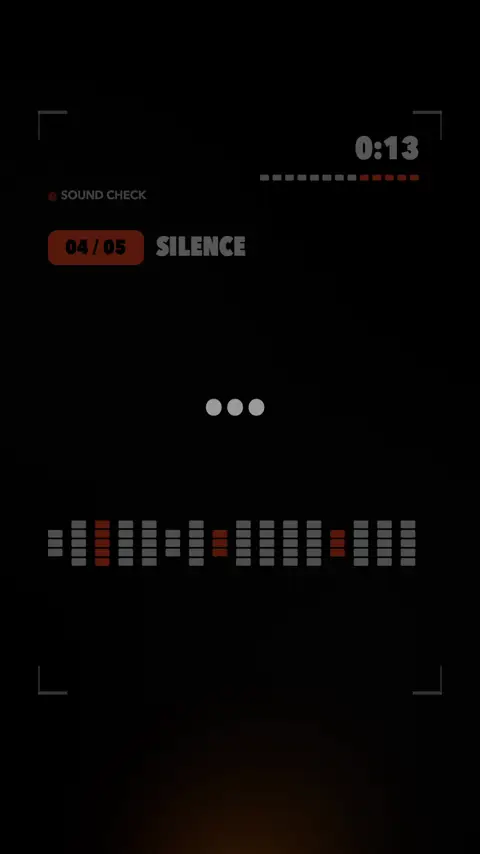
    Silence before the punchline: cut the music for half a second to a second. The quiet is louder than any effect.

    pace
  5. 5

    Room tone under the voice: a quiet room hum under dry speech, so pauses never sound dead.

    voice
  6. 6

    Duck the music under the voice: drop it by 8–12 dB while someone talks, bring it back in the gaps.

    mix
  7. 7

    Hit the beat on the cut: move cuts onto drum hits – people feel the rhythm even if they don’t hear it.

    rhythm
  8. 8

    A pop for every pop-up: a tiny click when text or a sticker appears, so the screen feels tactile.

    text
  9. 9

    Sound before picture: let the next scene’s sound start a few frames early – the cut feels smoother.

    cut
  10. 10

    One key for the music and the UI sounds: tune clicks and chimes to the song’s key, they stop sounding stock.

    music
  11. 11

    A tail on the last frame: let the music ring out or end on a hit – never cut it mid-note.

    ending
  12. 12

    Check on a phone speaker: most people watch on a phone, so the voice must stay clear on the smallest speaker.

    check
Step 02 / 06Script

Nine lines. A dispute and a countdown.

The owner wrote

Make two videos for 23:00, do everything yourself, experiment with the scripts.

The agent did

Took the hypothesis “a dispute plus a visible timer for the whole reel, no host”. The hook bets you can’t spot five sound tricks in 30 seconds, a 0:30 countdown runs in the corner, and every trick plays the moment it is named.

Step freeReel $0.00
  1. 1

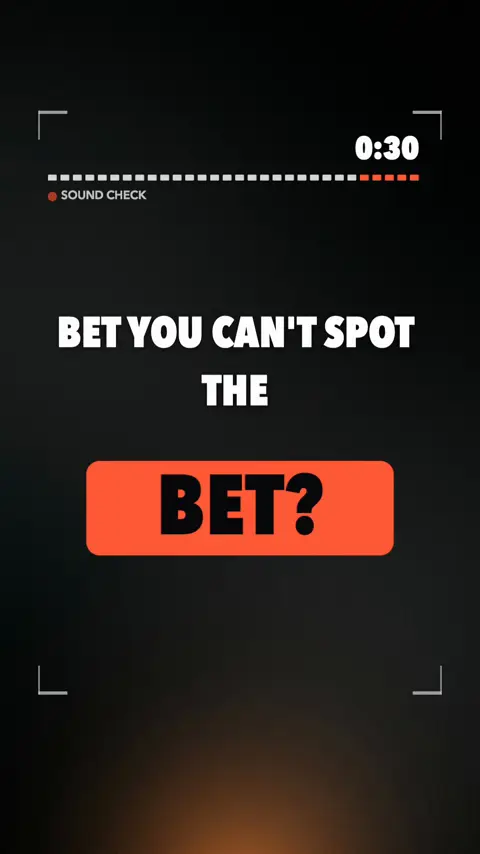
    Bet you can’t spot the five sound tricks in the next thirty seconds.

    “BET?” and the timer starts
  2. 2

    Clock’s running.

    the countdown
  3. 3

    One. A riser right before the cut. Hear it climb?

    the riser peaks on the cut
  4. 4

    Two. A whoosh on every transition.

    a whoosh on both words
  5. 5

    Three. A hit on the key word.

    a boom on “key”
  6. 6

    Four. Silence right before the punchline.

    the music stops
  7. 7

    Like that.

    a full second of silence
  8. 8

    Five. Room tone under the voice, so it never sounds dead.

    room tone fades in
  9. 9

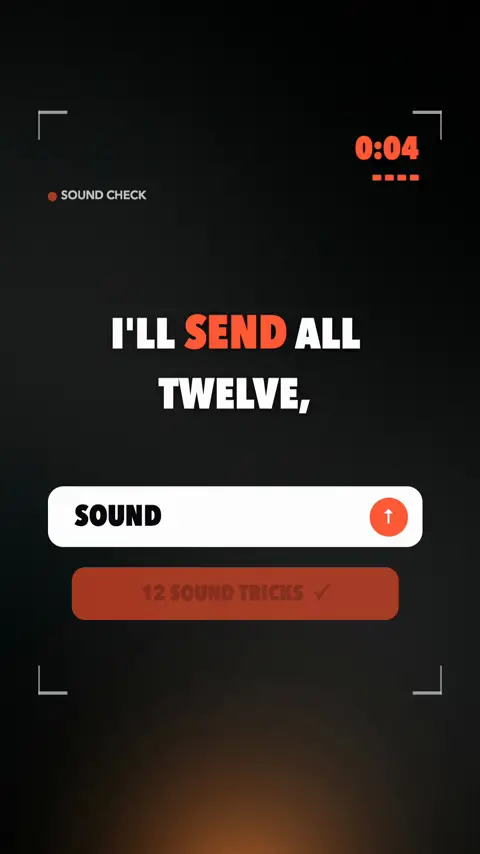
    Which one did you miss? Comment SOUND – I’ll send all twelve, with free sounds.

    SOUND typed in a comment
Step 03 / 06Voice

An English voice. And a real pause.

The agent did

Voiced the 9 lines in English and timed every word. In the edit the voice is split before “Like that” and moved by one second – that is the silence the line talks about.

Step $0.06Reel $0.06
Lines 1-2 · ElevenLabs v4

Bet you can’t spot the five sound tricks in the next thirty seconds.

Clock’s running.

Each bar is a word from the timing.
Step 04 / 06Edit

No host. Type, a wave and a timer.

The agent did

Built the whole picture in montage.ts: a HUD frame, a 0:30 countdown with 30 ticks that go out one per second, a sound wave that climbs with the riser, goes flat in the silence and barely moves under room tone. The only image is a dark background.

Step $0.07Reel $0.12
  • “BET?” and the countdown0:00“BET?” and the countdown
  • The riser peaks on the cut0:07The riser peaks on the cut
  • A whoosh on the transition0:09A whoosh on the transition
  • A boom on “KEY”0:13A boom on “KEY”
  • A full second of silence0:17A full second of silence
  • SOUND typed in a comment0:26SOUND typed in a comment
Step 05 / 06Music and sounds

The sounds are free to take.

The agent did

Generated the riser, the impact and the room tone for this reel, took the whoosh from the earlier ones, and a ticking beat that stops dead on “punchline”. All of them are below.

Step $0.22Reel $0.35
The reel’s music · ElevenLabs Music
Riser · 2 s
Whoosh
Impact · low boom
Room tone · 8 s loop
Download any of them and use them in your own edits
Step 06 / 06Publishing

Posted at 11 pm, with an auto reply.

The owner wrote

Publish it yourself at 23:00.

The agent did

Scheduled the reel and set an auto reply to “SOUND”: a follow check first, then this page in a DM.

Step freeReel $0.35
A huge orange “KEY” over a sound wave – a frame of the reel
@endframeaiNovember 29, 11 pm
Scheduled

Bet you can’t spot all 5 sound tricks in 30 seconds 🎧 A riser, a whoosh, a hit, silence and room tone – every one of them happens in this reel the moment it’s named. Which one did you miss? Comment "SOUND" and I’ll send all 12 sound tricks with free sounds.

Coming soon on Instagram

The result

Twelve tricks. Five you can hear.

a sound designer12

sound tricks that work in any editor.

a host and lip sync$0.35

Voice, music, three generated sounds and a background. No host, no video generation.

a silent edit1 s

of real silence before “Like that” – the trick the line names.

a sound designer12

sound tricks that work in any editor.

a host and lip sync$0.35

Voice, music, three generated sounds and a background. No host, no video generation.

a silent edit1 s

of real silence before “Like that” – the trick the line names.

Make your own – install

Three steps to your first message.

About ten minutes. The details are in the guide “From install to your first video”.

  1. 01

    Download End Frame

    Drag it into Applications. Updates arrive on their own.

  2. 02

    Pick an agent

    Claude Code or Codex – on the subscription you already have.

  3. 03

    Open the project folder

    Videos, characters and assets live in a plain folder on your Mac.

Make one like it.
Tonight.

Download End Frame, open your project folder and write the agent your first message.

macOS 14+ · Apple Silicon · Claude Code or Codex on your own subscription