




Skip to content
How this reel was made

The reel edits itself on screen.
By voice.

The reel “I talk – it edits” on @maax.english, 20.8 seconds, in Russian. Max says a command – and you see it happen in the frame. Below are the messages to the agent, the assets and the price of every step.

$0.25the reel itself – Max and his gestures already existed
8 minfrom the message to the publishing card
0times the timeline was opened
Coming soon on Instagram
How it went

Seven steps.
One message to start.

The messages come from the project chat, translated from Russian. The prices come from the End Frame cost log.

Step 01 / 07Character and gestures

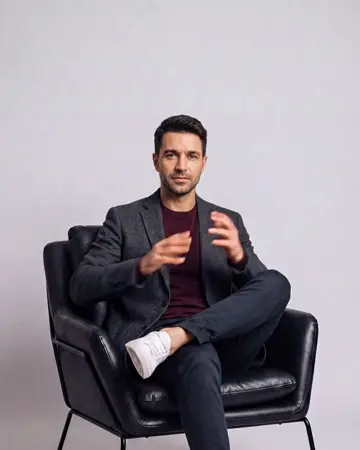
Max already existed. So did the gestures.

The agent did

Took Max in the chair and his six gestures from “An editor for a coffee” and cut them to the new lines. Nothing was generated again.

Step $0.00Reel $0.00

The character and gestures already existed – paid once in “An editor for a coffee”: $0.79

  • Open handsOpen hands
  • PointsPoints
  • Raised handRaised hand
  • Palms togetherPalms together
  • ThinkingThinking
  • Hand to chestHand to chest
Step 02 / 07Script

Eight commands. Each one shows in the frame.

The owner wrote

Let’s make a new video for Max for tomorrow, same time, 11 pm. Come up with a new script that shows the value of the app, and study the edits of the old videos in the demo to make it good.

The agent did

Read its notes on the edits of 120 trend templates from the demo and took the idea of the “144p → 4K” template: “bad → good” inside one reel. Every line Max says is a command, and it is applied to the reel itself right away.

Step freeReel $0.00
  1. 1

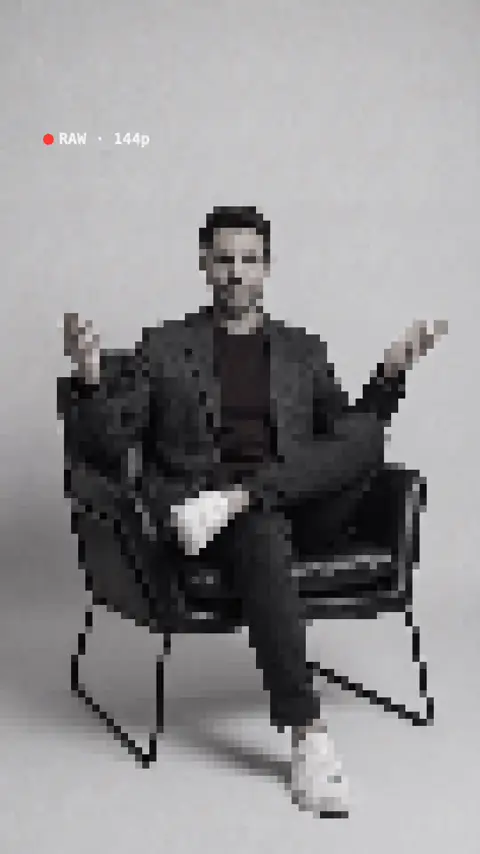
    Look: this is raw video. No edit, no sound.

    144p, b/w
  2. 2

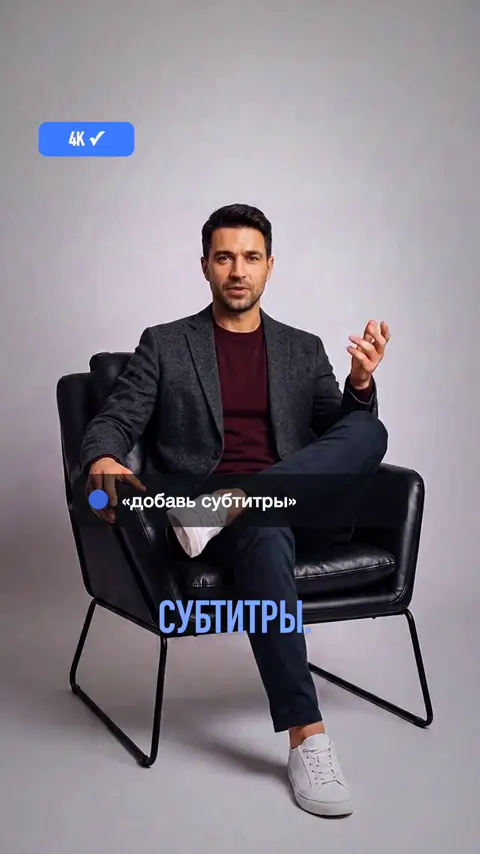
    I tell End Frame: make it sharper.

    → 4K
  3. 3

    Add subtitles.

    subtitles
  4. 4

    Now transitions and effects.

    transitions
  5. 5

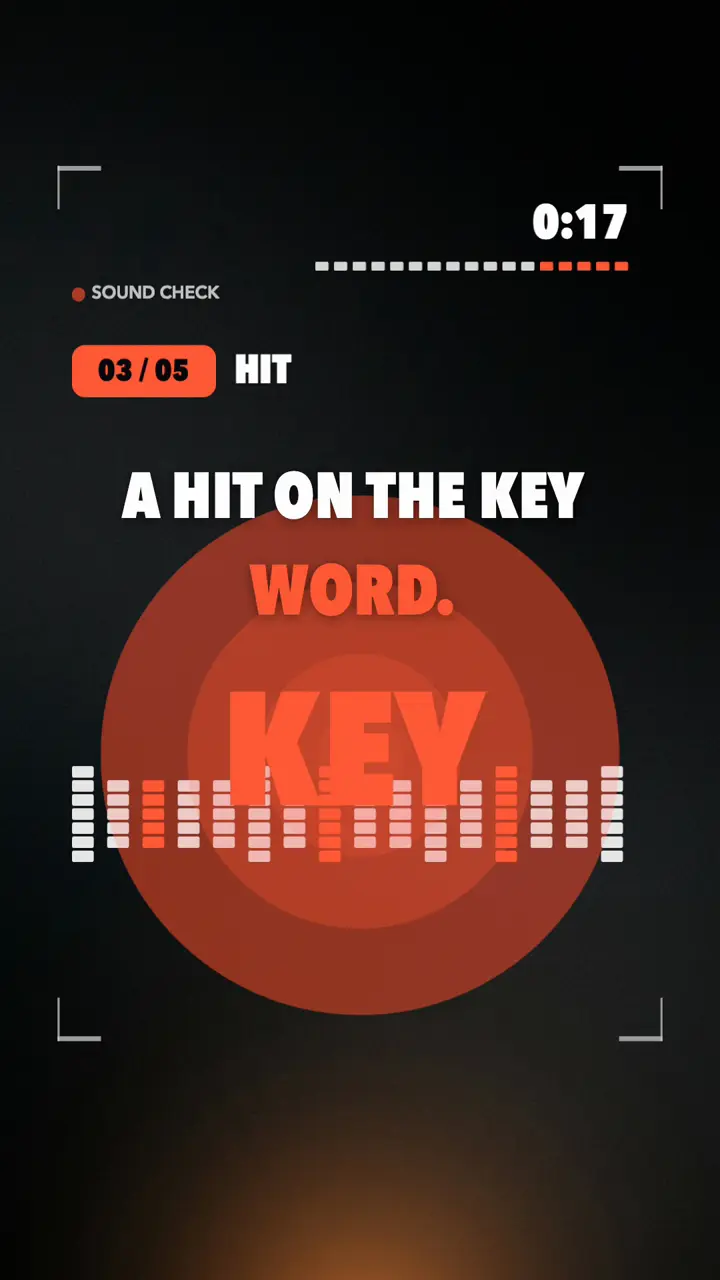
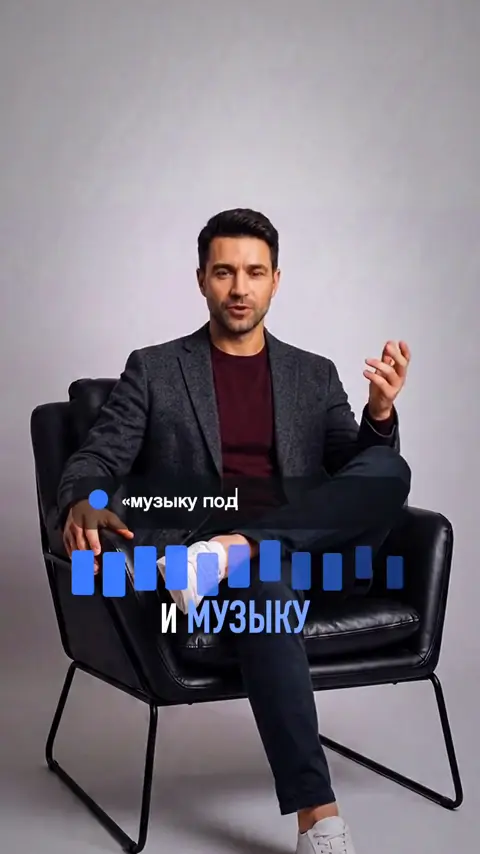
    And music on the beat.

    music
  6. 6

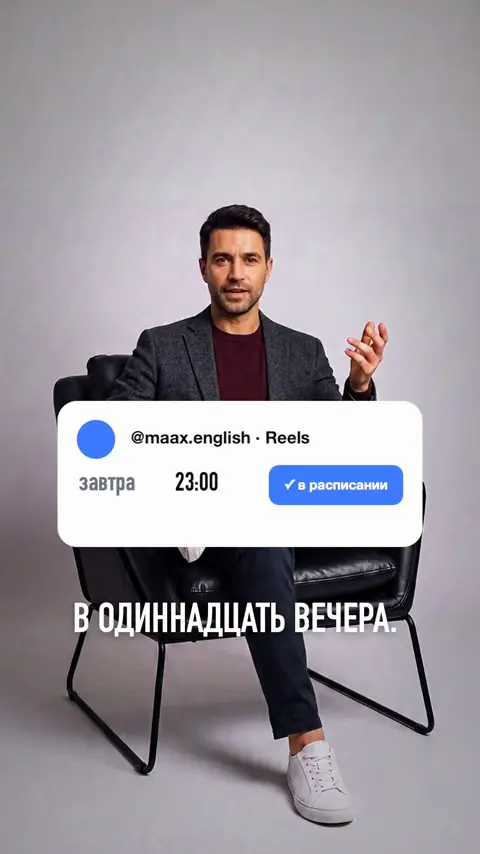
    Post it tomorrow at eleven pm.

    post at 11 pm
  7. 7

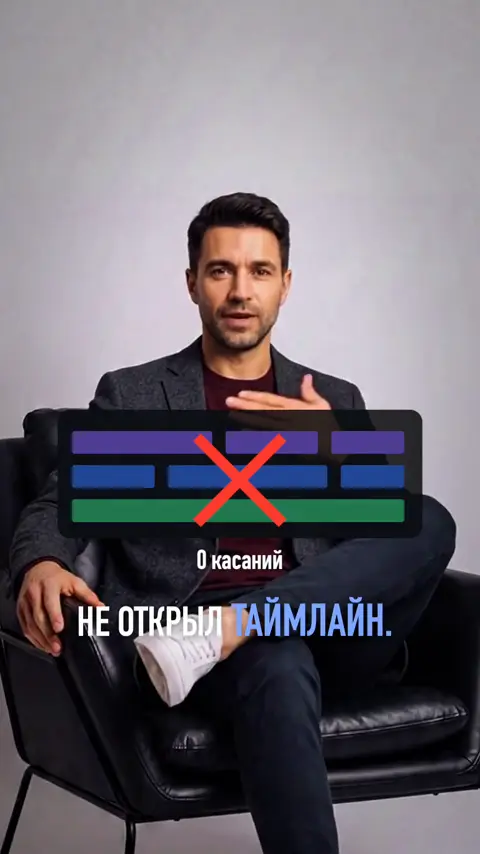
    And I never opened a timeline.

    timeline ✕
  8. 8

    Want the same? Comment “KHOCHU” and I’ll send the link.

    “KHOCHU”
Step 03 / 07Voice

Max’s voice. Every word on time.

The agent did

Voiced the 8 lines with a cloned voice in ElevenLabs – 20.8 seconds – and timed every word. Thanks to the timing, subtitles appear exactly on the word “subtitles”.

Step $0.04Reel $0.04
Lines 1-2 · ElevenLabs v4, in Russian

Look: this is raw video. No edit, no sound.

I tell End Frame: make it sharper.

Each bar is a word from the timing.
Step 04 / 07Edit

The edit is code. From 144p to 4K.

The agent did

Wrote the edit in montage.ts: a blurry black-and-white 144p mosaic, a flash and 4K on “sharper”, subtitles from the command on, a transition on every word, a post card, a crossed-out timeline. The DIN font and a blue accent keep it apart from the earlier reels. Checked the render on a frame grid and fixed three spots.

Step freeReel $0.04
  • Raw video · 144p0:02Raw video · 144p
  • 4K and subtitles on command0:074K and subtitles on command
  • Transitions and effects0:09Transitions and effects
  • Music on the beat0:11Music on the beat
  • A post for tomorrow, 11 pm0:14A post for tomorrow, 11 pm
  • Timeline – 0 touches0:16Timeline – 0 touches
Step 05 / 07Music and sounds

The music comes in on command.

The agent did

Music needs a finished render, so the first render went out without it and the track was generated for its cuts. The music hits exactly on “music on the beat” and ducks under the voice. The sounds came from the earlier reels – free.

Step $0.10Reel $0.14
The reel’s music · ElevenLabs Music
A hit · sub-boom
Glitch
A whoosh on a cut
A UI tap
The sounds were already in the project, the music ducks under the voice
Step 06 / 07Lip sync

Lips on the voice. Then through a mask.

The owner wrote

Do the same for the previous video that isn’t published yet.

I don’t see that you moved the lip sync through a mask and made the video better.

The agent did

Ran latentsync lip sync while writing the edit. Later, after the rap clip, it laid it through a mask: the clean Veo take below, only an oval around the mouth from the lip sync on top. No new spending. It said honestly that this barely added sharpness: the Veo takes are 720p themselves. Render v3 stayed on the schedule, the masked version is v4.

Step $0.10Reel $0.25
fal.ai latentsync · render v3 from the schedule
Step 07 / 07Publishing

Caption, cover, auto reply.

The owner wrote

For tomorrow, same time – 11 pm.

The agent did

Wrote the caption, set the cover and the time – November 25, 11 pm – and turned on the auto reply to “KHOCHU”: a follow check first, then the link to end-frame.ai. The reel goes out on its own – the End Frame server publishes it.

Step freeReel $0.25
Max in a chair, a blurry 144p frame – the start of the reel
@maax.englishNovember 25, 11 pm
Scheduled

I didn’t open a timeline. Not once 👇 I said “make it sharper” – it became 4K. “Add subtitles” – they appeared. Transitions, effects, music on the beat and publishing – also just words in End Frame. Comment KHOCHU and I’ll DM you the link.

Coming soon on Instagram


The result

One message. A reel on the schedule.

$100 to an editor$0.25

Voice, music and lip sync. Max and his six gestures already existed – their $0.79 was paid once in “An editor for a coffee”.

an evening of editing8 min

From the owner’s message to the publishing card. The masked lip sync took 2 more minutes later.

hours in a timeline0

times the timeline was opened. 5 messages from the owner, 4 renders.

Make your own – install

Three steps to your first message.

About ten minutes. The details are in the guide “From install to your first video”.

  1. 01

    Download End Frame

    Drag it into Applications. Updates arrive on their own.

  2. 02

    Pick an agent

    Claude Code or Codex – on the subscription you already have.

  3. 03

    Open the project folder

    Videos, characters and assets live in a plain folder on your Mac.

Make one like it.
Tonight.

Download End Frame, open your project folder and write the agent your first message.

macOS 14+ · Apple Silicon · Claude Code or Codex on your own subscription