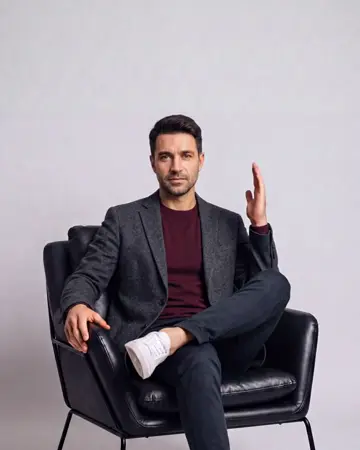
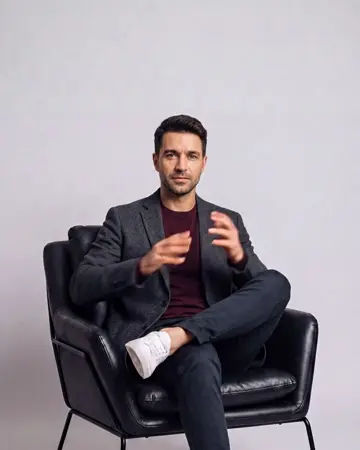
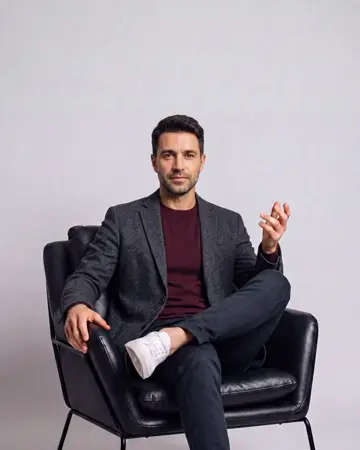
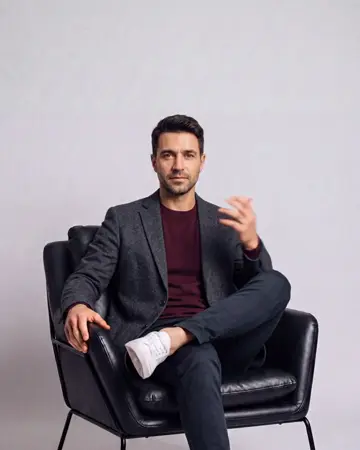
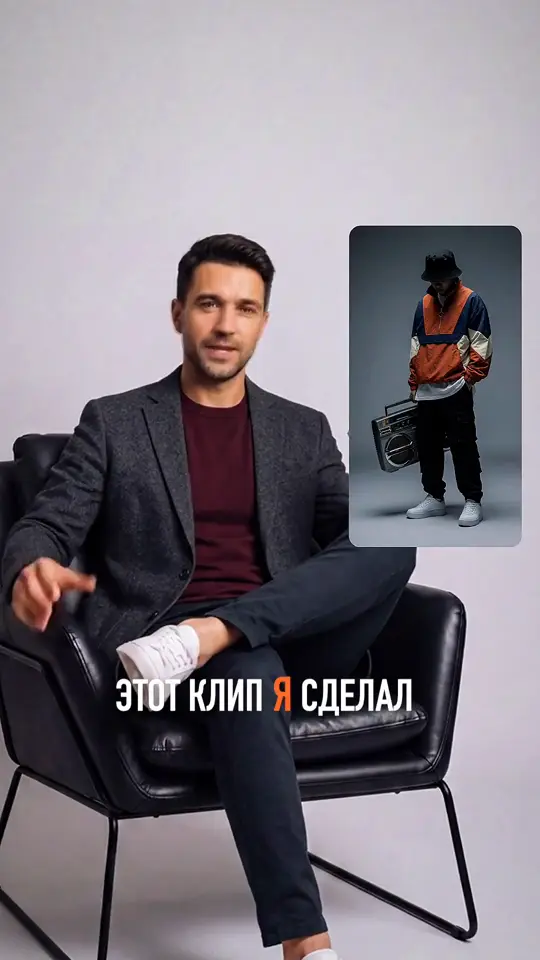
Made a rap clip in one evening – without leaving the chat 🎤 A trend template, a new picture, our own song, effects and transitions – End Frame built it all from my messages. Comment KLIP and I’ll DM you the link.
Coming soon on InstagramA reel on @maax.english, 40 seconds, in Russian. The first 20 are a clip in the rhythm of a trend template with a new picture and our own song. Then the screen unlocks and Max explains how it was made.
The messages come from the project chat, translated from Russian. The prices come from the End Frame cost log.
Let’s make one more reel for Max for the day after tomorrow, a non-standard one. Study the “Rap music” reel in the demo: we’ll make a similar picture and song and take all the effects of the first 20 seconds.
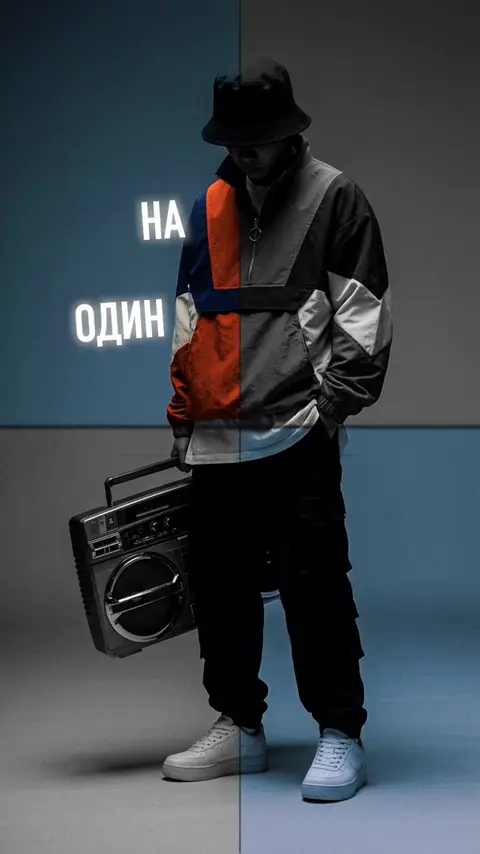
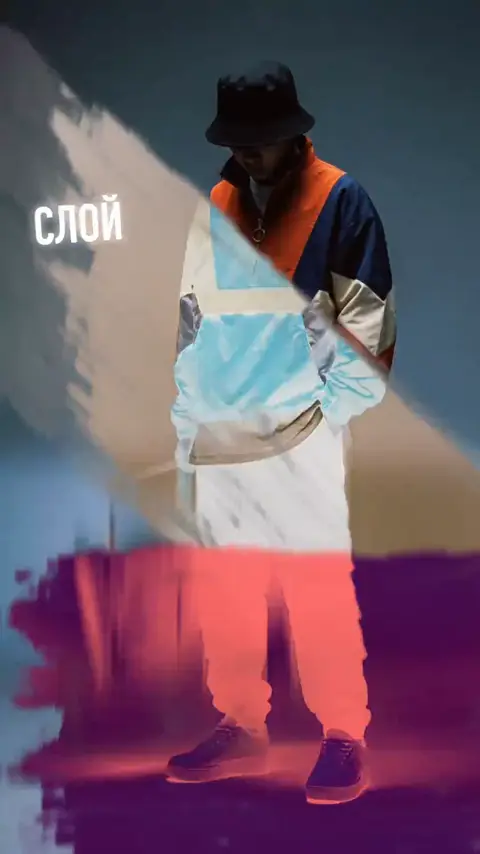
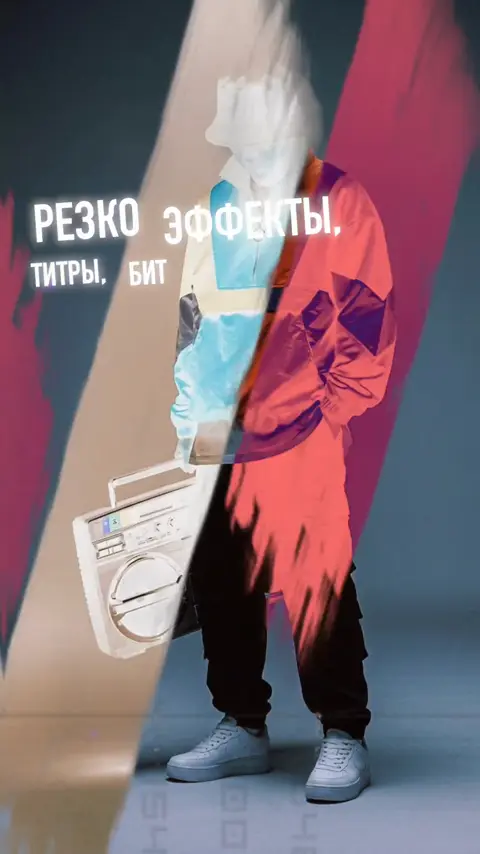
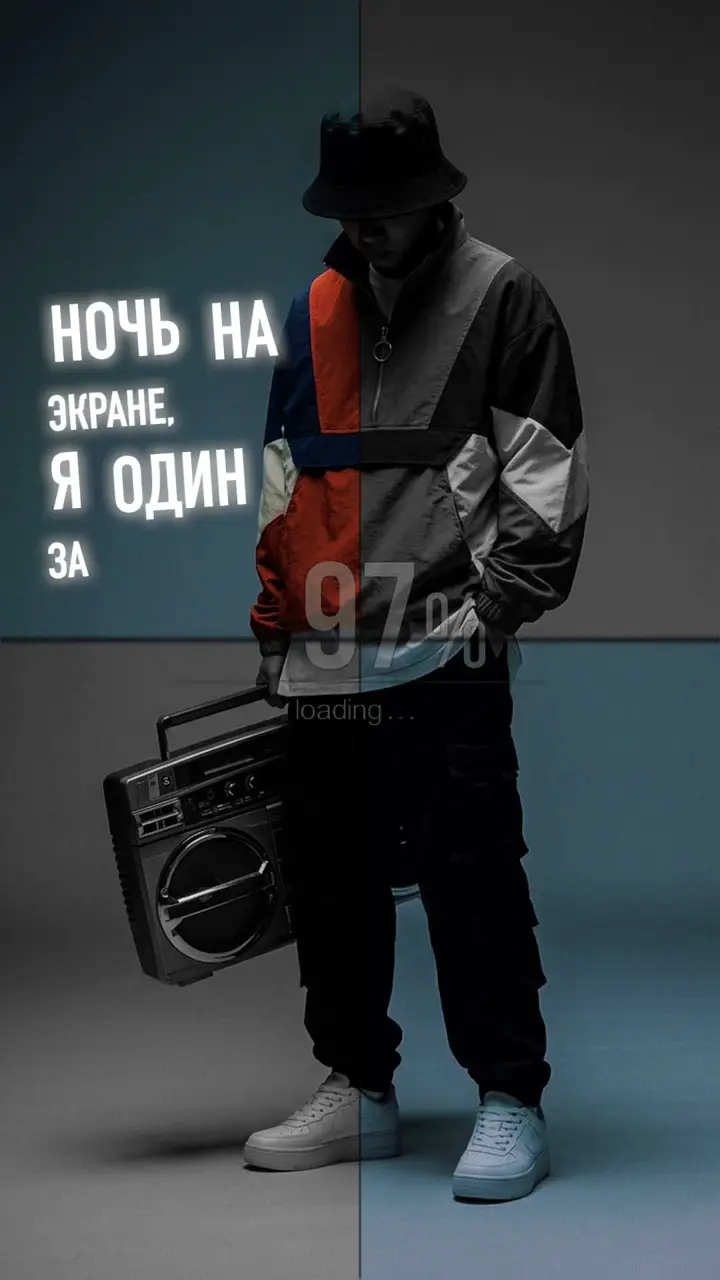
Found the “Rap music” template in the demo and moved its edit into montage.ts: a “loading 0 → 100%” with tiles, a diagonal split, a warp transition, a cut-out hero with a flash, a digit glitch, a reverse brush, 4K + HDR. The timings match the original, the assets are new.
0:02Loading and the hero in the studio
0:05Warp transition
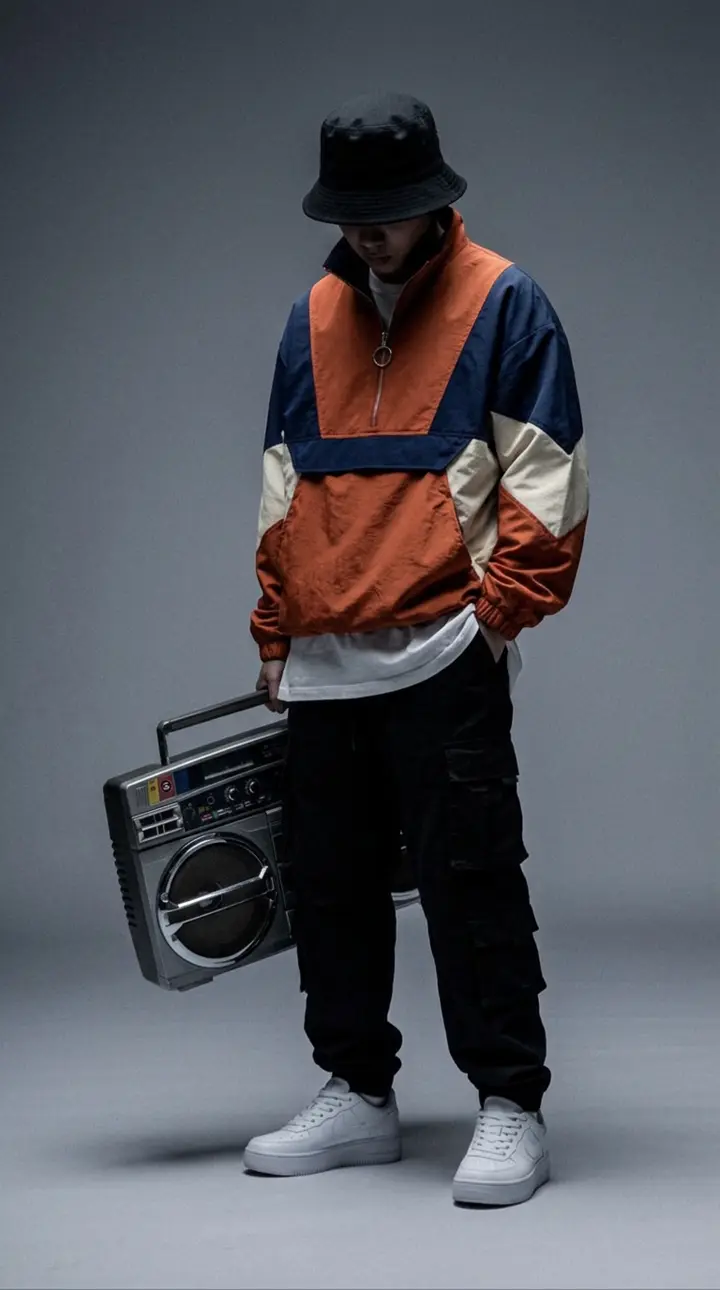
0:12Song lyrics word by wordDrew its own hero: a guy in an orange and blue jacket and a bucket hat with a boombox in a grey studio. It warned on its own that the white sneakers look like a famous model: no logo, but worth checking up close.

Generated a Russian rap with vocals about editing at night and “one text”, after which everything is done. The lyrics go on screen word by word from the timings of the recognized song. The model sang one word unclearly – the screen says “text”.
After the clip – an animation like on an iPhone: you swipe up on the lock screen, the screen unlocks, and the character in the chair explains how to make a reel like this.
I’ll look at the unlock animation after approval – and we publish.
Built the animation right in the edit, with no generations: the clip turns into a lock screen with a “Clip ready” notification, a finger swipes up, the screen slides away, and Max sits in the chair below. Before publishing it removed the notification that slid over Max’s head.
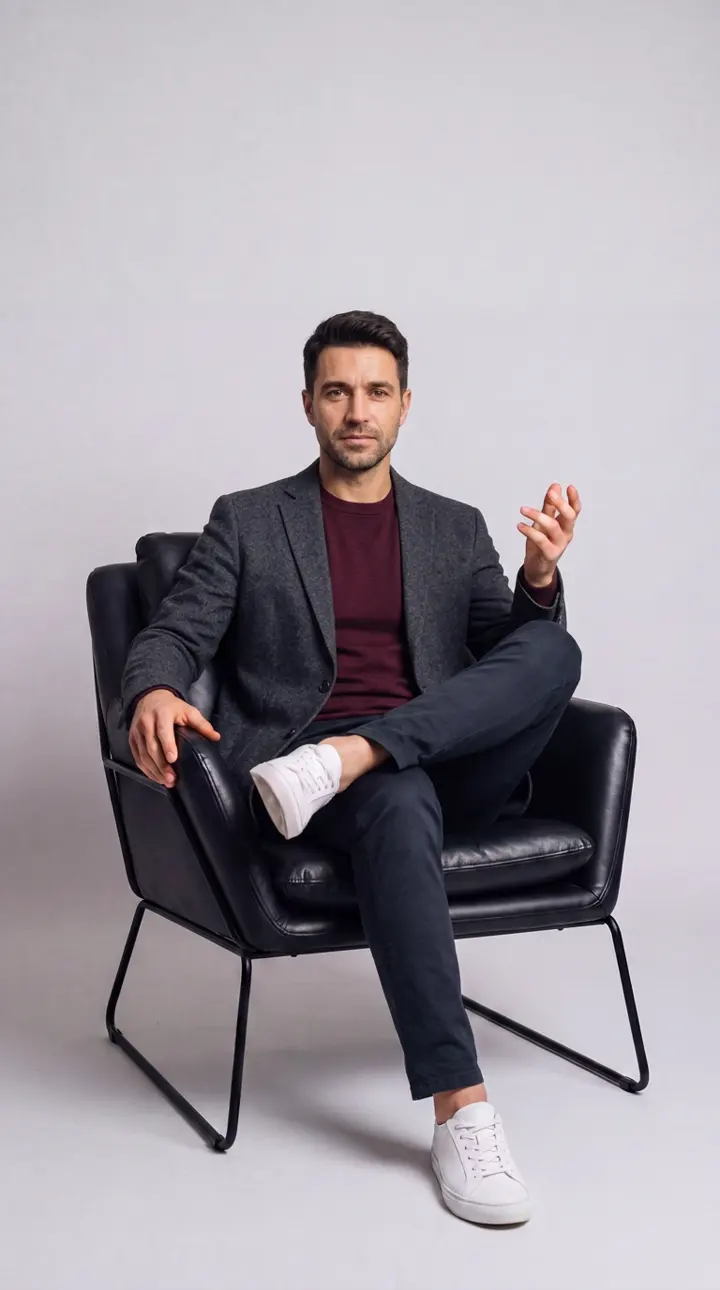
Cut Max’s gestures from “An editor for a coffee” to the five lines of the second part. As the owner asked, the lip sync waited for the end.
The character and gestures already existed – paid once in “An editor for a coffee”: $0.79
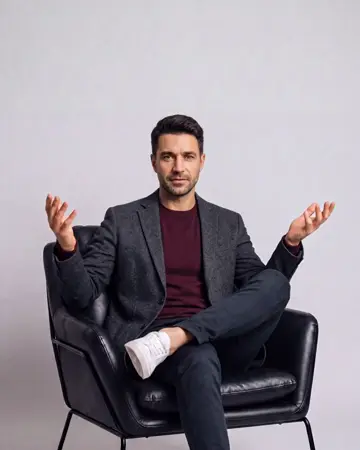
Open hands
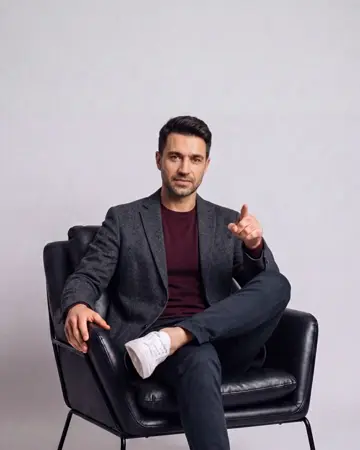
Points
Raised hand
Palms together
Thinking
Hand to chestVoiced the 5 lines with Max’s voice and timed every word. The subtitles are orange – the colour of the clip hero’s jacket.
I made this clip in one evening without leaving the chat.
I took a trend template in End Frame – effects, transitions, rhythm.
Here the picture just covers him – it looks bad, make it nicer.
Here, at “Comment KLIP”, the text is crooked.
At 21.9 s the frame now glides left and a screen with the clip slides in from the right, rounded like a phone: nothing covers Max. “KLIP” was crooked because the font had no Cyrillic – it switched to an even Helvetica Neue with a simple entrance.
0:21.9the picture covers him, looks badThe clip moved to a side screenI like everything, do the lip sync.
The video quality drops after lip sync. We already did masks – maybe lay just the lip-synced part of the face over the old video? Think it through and try.
It’s broken here. And here it drifts apart on the effects.
Ran latentsync lip sync. Then, on the owner’s idea, it laid it through a mask: the clean Veo take below, only an oval around the mouth from the lip sync on top. The mouth “came off” on transitions – now the mouth layer fades for 0.25 s before and after each cut. It saved the trick in the project recipe.
Fine, publish the new rap video.
Why the 27th and not the 26th?
Prepared the card with the caption and an auto reply to “KLIP”. It counted “the day after tomorrow” from the night of the 25th and set the 27th – the owner moved the post to the 26th himself. Before publishing it made a fresh render v12: the publisher won’t take a render if the edit changed.

Made a rap clip in one evening – without leaving the chat 🎤 A trend template, a new picture, our own song, effects and transitions – End Frame built it all from my messages. Comment KLIP and I’ll DM you the link.
Coming soon on InstagramPicture, song, voice and lip sync. Max and his gestures already existed – their $0.79 was paid once in “An editor for a coffee”.
From the first message to the publishing card – with four point fixes and the lip sync mask.
times the timeline was opened. 12 renders, 4 points on frames.
About ten minutes. The details are in the guide “From install to your first video”.
Drag it into Applications. Updates arrive on their own.
Claude Code or Codex – on the subscription you already have.
Videos, characters and assets live in a plain folder on your Mac.

Max talks to the camera with gestures and lip sync, with price cards behind his head. The reel “An editor for the price of a coffee”.
80 minutes
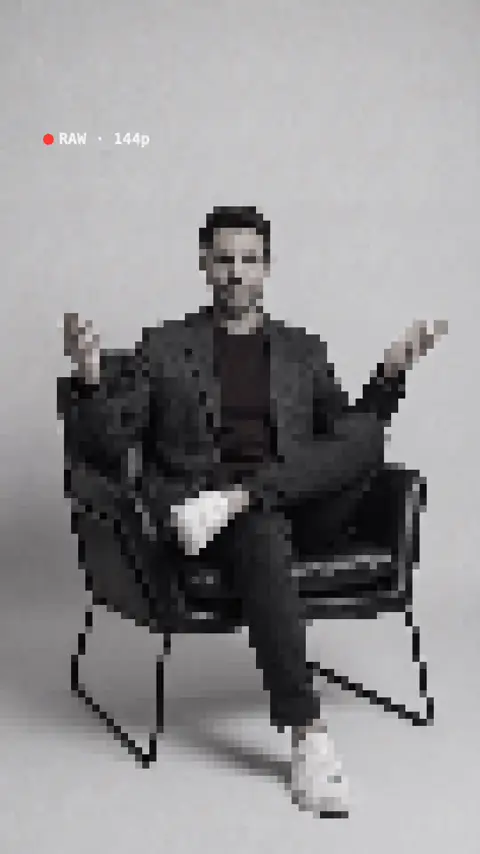
Raw 144p footage turns into 4K with subtitles, transitions and music on Max’s commands – right in the frame.
8 minutes
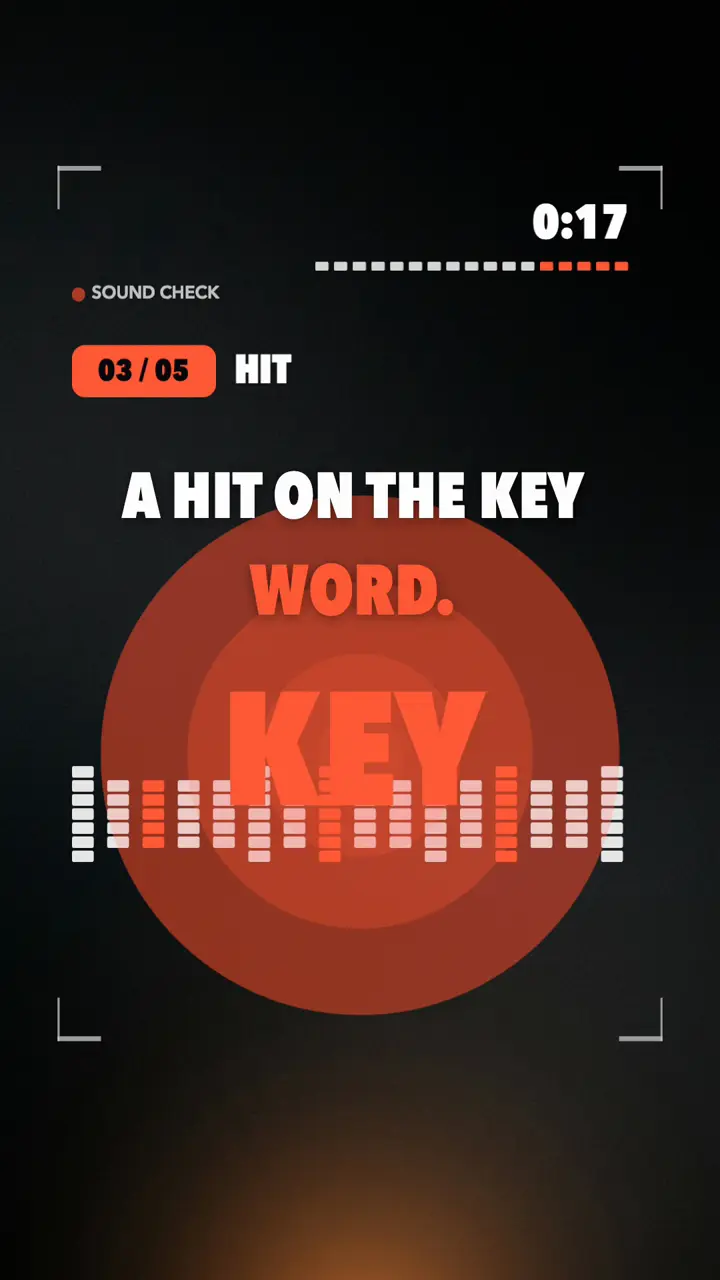
A riser, a whoosh, a hit, silence and room tone – each one plays in the reel the moment it is named. Plus free sounds.
30 minutesDownload End Frame, open your project folder and write the agent your first message.
macOS 14+ · Apple Silicon · Claude Code or Codex on your own subscription