



Skip to content
How this reel was made

What a hybrid edit is.
Shown in the frame.

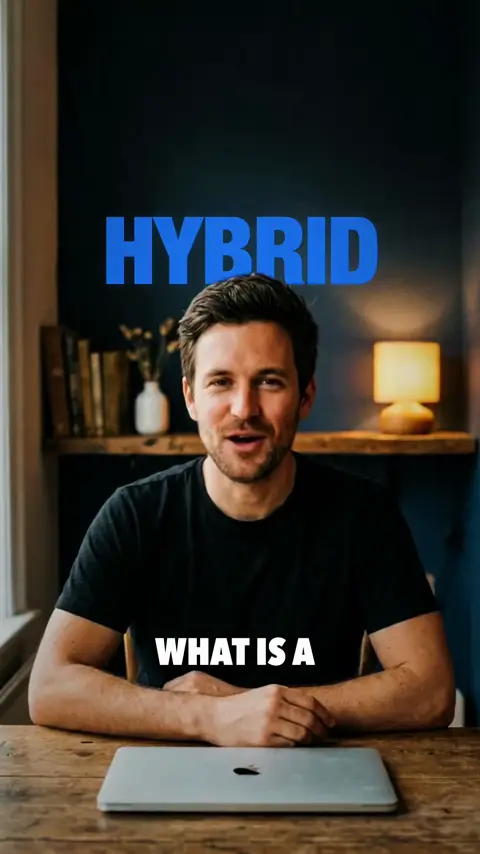
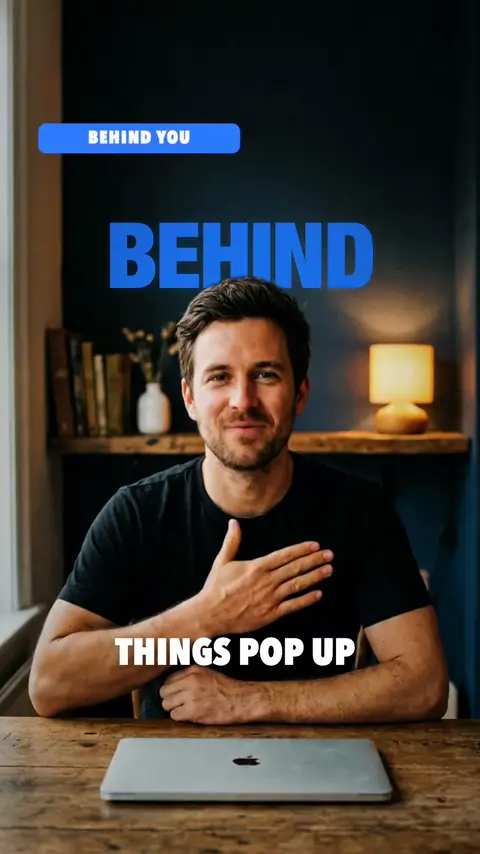
A reel on @endframeai, 26.8 seconds, in English. Kai names a trick – and it happens right away: a transition into a circle, into a square, a word behind his head, jumping subtitles. The before-and-after is the one that goes out.

$0.33the reel itself – Kai and his gestures already existed
17 minfrom the message to the publishing card
3videos: raw, edit and before-and-after
Watch on Instagram
How it went

Nine steps.
The second reel of the series.

The messages come from the project chat, translated from Russian. The prices come from the End Frame cost log.

Step 01 / 09Character and gestures

Kai already existed. So did the gestures.

The agent did

Took Kai at the desk and his five gestures from “Not one touch of a timeline” and laid them out so the same one never comes twice in a row. Nothing was generated again.

Step $0.00Reel $0.00

The character and gestures already existed – paid once in “Not one touch of a timeline”: $0.60

  • Open handsOpen hands
  • NodNod
  • Raised handRaised hand
  • Hand to chestHand to chest
  • PointsPoints
Step 02 / 09Script

A trick is named – and it happens.

The owner wrote

Let’s make a new video for tomorrow – the same as this one but a bit different, study this reel. Before-and-after again, the same avatar and lip sync at the end. By the way, write down in the last one how we made it.

The agent did

First it wrote down how the last reel was made: steps, commands, its own effects and the price. Then a new angle: not numbered rules but “what is a hybrid edit”, with every trick shown at the moment Kai names it.

Step freeReel $0.00
  1. 1

    What is a hybrid edit?

    HYBRID behind the head
  2. 2

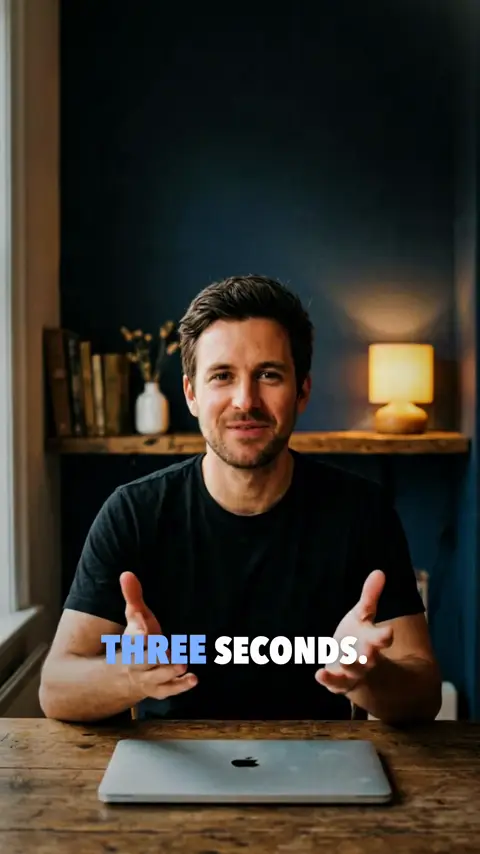
    Live footage plus animation – and the picture changes every three seconds.

    LIVE + MOTION
  3. 3

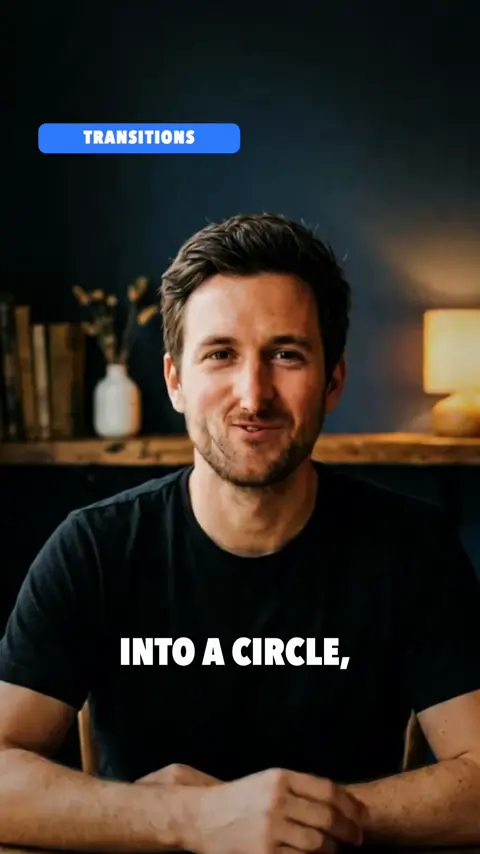
    Creative transitions: into a circle, into a square, or the whole frame slides away.

    circle and square
  4. 4

    Things pop up right behind you.

    BEHIND
  5. 5

    Subtitles jump all over the screen, and smooth zooms keep the rhythm.

    subtitles everywhere
  6. 6

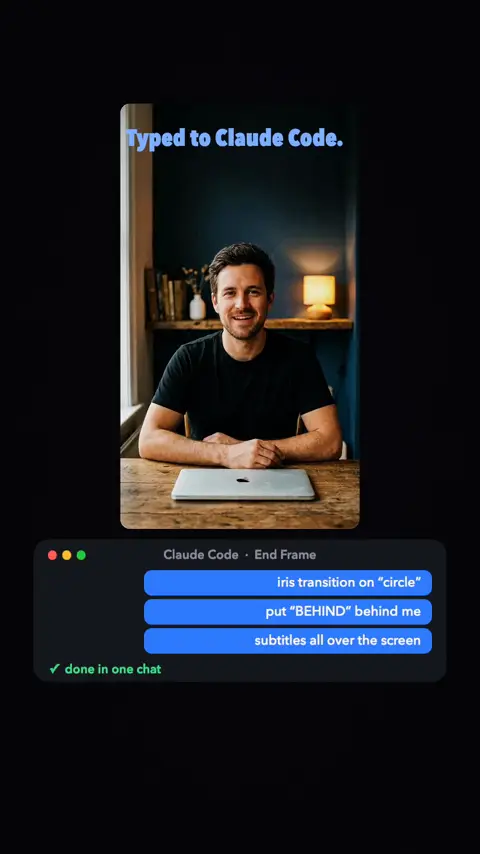
    I didn't do any of this by hand – I typed it to Claude Code in End Frame.

    End Frame window
  7. 7

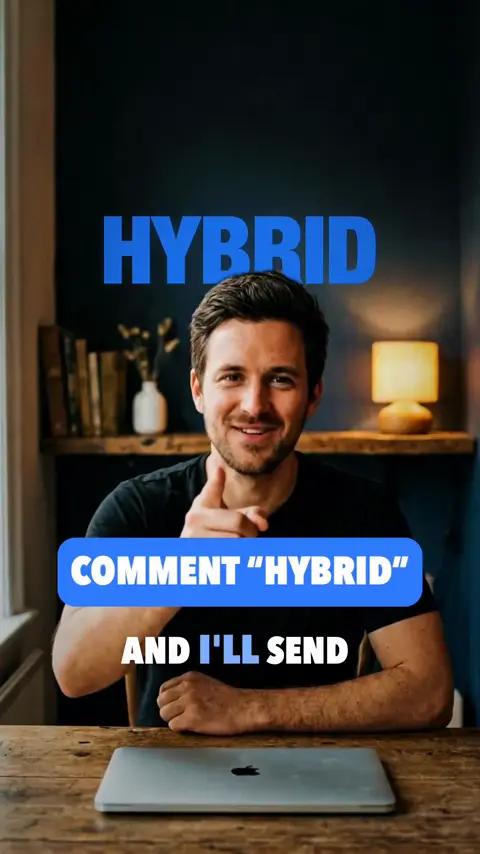
    Comment HYBRID, and I'll send you the prompts.

    COMMENT “HYBRID”
Step 03 / 09Voice

An English voice. Every word on time.

The agent did

Voiced the 7 lines with the KIK voice – 26.8 seconds – and timed every word.

Step $0.06Reel $0.06
Lines 1-2 · ElevenLabs v4

What is a hybrid edit?

Live footage plus animation – and the picture changes every three seconds.

Each bar is a word from the timing.
Step 04 / 09Raw

First – the “before”. Just gestures and voice.

The agent did

Built the raw: seven of Kai’s gestures under the lines with no repeats side by side and the voice on its own track. No transitions, no subtitles, no music.

Step freeReel $0.06
Raw · the first 6 seconds
Step 05 / 09Edit

A circle, a square, a word behind the head.

The agent did

Wrote the edit in code: a white insert with a fan of “LIVE + MOTION” cards, a transition into a circle on “circle”, into a square on “square”, a frame slide on “slides away”, the word “BEHIND” behind his head. It taught its own “Title behind the head” effect to change colour – a blue accent instead of yellow. On the frame grid it found and removed an empty one-frame cut.

Step freeReel $0.06
  • HYBRID behind the head0:00HYBRID behind the head
  • The LIVE + MOTION insert0:05The LIVE + MOTION insert
  • Transition into a circle0:08Transition into a circle
  • BEHIND behind the head0:13BEHIND behind the head
  • The End Frame window with phrases0:23The End Frame window with phrases
  • COMMENT “HYBRID”0:25COMMENT “HYBRID”
Step 06 / 09Music and sounds

New music. Sounds from the last reel.

The agent did

Generated new music for these cuts and ducked it under the voice. The sounds came from the last reel of the series – free.

Step $0.13Reel $0.19
The reel’s music · ElevenLabs Music
A hit · sub-boom
Whip
Whoosh
UI tap
The sounds were already in the project, the music ducks under the voice
Step 07 / 09Lip sync

Lips on the voice. At the end, like last time.

The agent did

Ran latentsync lip sync as the last step – on the whole raw cut with the voice – and cut it into the same pieces in the raw and in the edit.

Step $0.13Reel $0.33
fal.ai latentsync · one pass for the raw and the edit
Step 08 / 09Before and after

Raw on the left, the edit on the right.

The agent did

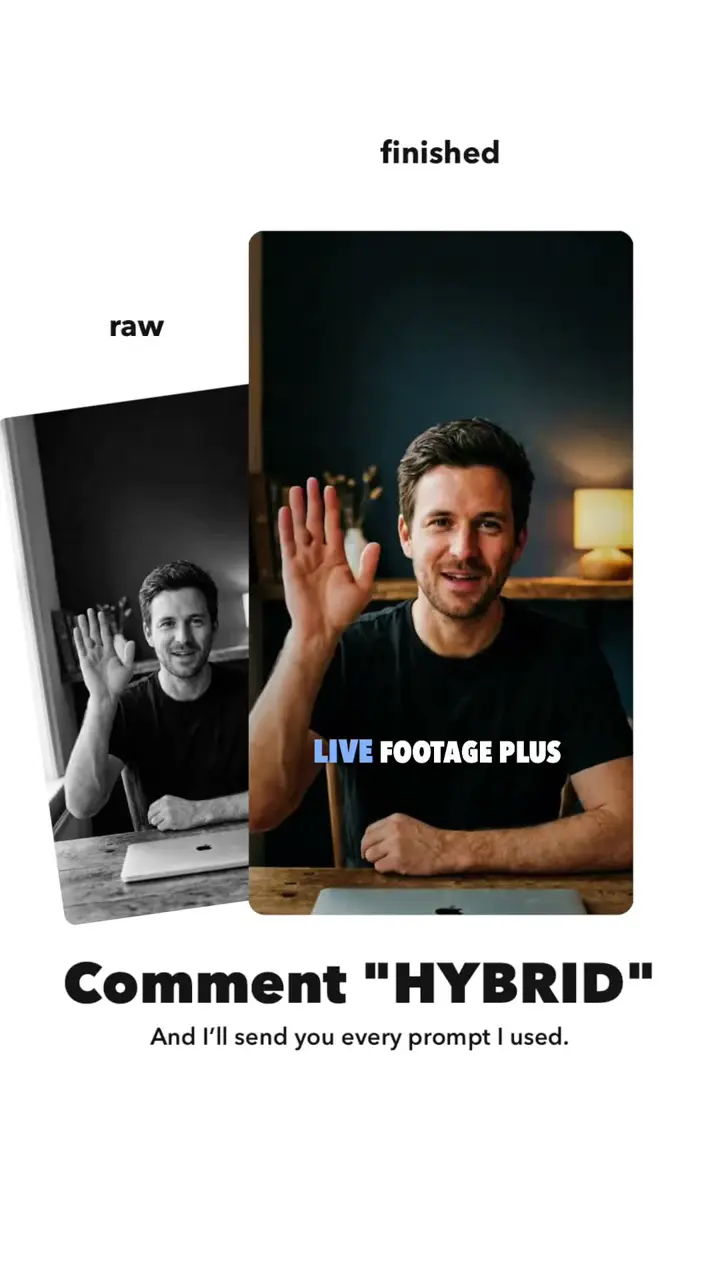
Built the before-and-after the same way as the last reel, with “Comment "HYBRID"” below. It raised the “raw” and “finished” labels so the pre-publishing check would pass.

Step freeReel $0.33
Before · raw
After · edit
In the promo both cards play at the same time
Step 09 / 09Publishing

A schedule and an auto reply.

The owner wrote

Schedule it for tomorrow at the same time and set up the automation: on a comment, check the follow in DMs and send the site link. Texts in English only.

Did you add the comment reply to the last reel too?

The agent did

Set the reel for November 25, 8:11 pm, and the auto reply to “HYBRID”: a reply under the comment, a button in DMs, a follow check and the link to end-frame.ai – all in English. It added the same auto reply to “EDIT” on the last reel.

Step freeReel $0.33
Raw and the finished edit side by side on white – a frame of the reel
@endframeaiNovember 25, 8:11 pm
Published

What is a hybrid edit? Live footage + animation, and the picture changes every 3 seconds: – transitions into a circle, a square, a sliding frame – things popping up right behind you – subtitles all over the screen – smooth zooms that keep the rhythm Left: raw. Right: finished – every edit typed to Claude Code in End Frame. Comment "HYBRID" and I'll send you the prompts.

Watch on Instagram

The result

The second reel of the series. In 17 minutes.

$100 to an editor$0.33

Voice, music and lip sync. Kai and his gestures already existed – their $0.60 was paid once in “Not one touch of a timeline”.

a day of work17 min

From the owner’s message to the publishing card – raw, edit and before-and-after.

hours in a timeline0

times the timeline was opened. 4 messages from the owner, one render for each of the three videos.

Make your own – install

Three steps to your first message.

About ten minutes. The details are in the guide “From install to your first video”.

  1. 01

    Download End Frame

    Drag it into Applications. Updates arrive on their own.

  2. 02

    Pick an agent

    Claude Code or Codex – on the subscription you already have.

  3. 03

    Open the project folder

    Videos, characters and assets live in a plain folder on your Mac.

Make one like it.
Tonight.

Download End Frame, open your project folder and write the agent your first message.

macOS 14+ · Apple Silicon · Claude Code or Codex on your own subscription