




Skip to content
How this reel was made

Not one touch of a timeline.
Raw, edit, before and after.

A reel on @endframeai, 24.4 seconds, in English. Kai gives three editing rules, and each one is applied in the frame as he says it. The before-and-after went out: raw on the left, the finished edit on the right.

$0.29the reel itself, Kai’s gestures – $0.60 once
65 minfrom the first gesture to the schedule
3videos: raw, edit and before-and-after
Watch on Instagram
How it went

Nine steps.
Raw → edit → promo.

The messages come from the project chat, translated from Russian. The prices come from the End Frame cost log.

Step 01 / 09Character and gestures

Kai at a desk. Five gestures in Veo.

The owner wrote

What is this nonsense – why does the video zoom and jerk? Let’s use Veo 3 Lite: a static frame, just the moves.

Veo did it much better, let’s make two more.

The agent did

The first three gestures from Seedance 2.5 came out with zoom and jerks – they were rejected, $2.46 went on the test. In Veo 3.1 Lite the camera stays still, $0.12 a gesture: open hands, a nod, a raised hand, hand to chest, pointing at the viewer. All start and end on the photo of Kai at the desk.

Step $0.00Reel $0.00

Once – Kai’s gestures move into the next reels of the series: $0.60

  • Open handsOpen hands
  • NodNod
  • Raised handRaised hand
  • Hand to chestHand to chest
  • PointsPoints
Step 02 / 09Script

A tip – and it’s in the frame. Three videos per reel.

The owner wrote

Write a script: we only show video editing, effects and transitions – and that it’s done in End Frame.

There will be a raw with the audio track, a second video with the edit, effects, transitions and sound effects, and a third – a before-and-after presentation.

The agent did

Saved the series format in the project notes: Kai gives an editing tip, the tip is applied in the reel itself, and at the end comes the turn – all of it was typed to Claude Code in End Frame. The topic – three edits that keep people watching. It set up three videos: raw, edit and before-and-after.

Step freeReel $0.00
  1. 1

    Three edits that keep people watching. Watch them happen.

    hook “3 EDITS”
  2. 2

    One: change the shot every three seconds – like right now.

    shot change
  3. 3

    Two: subtitles word by word, and the key word pops.

    word subtitles
  4. 4

    Three: a transition only when the idea changes. Like this.

    transition on “Like this”
  5. 5

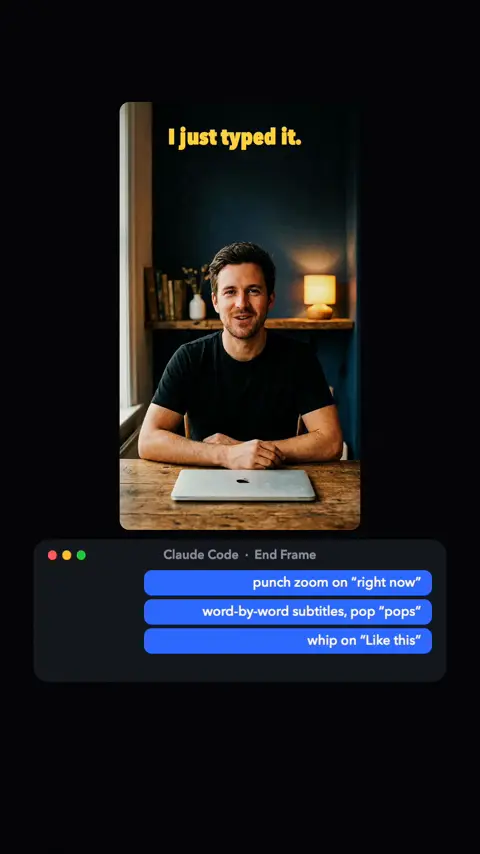
    I didn't edit any of this. I typed it to Claude Code in End Frame.

    End Frame window
  6. 6

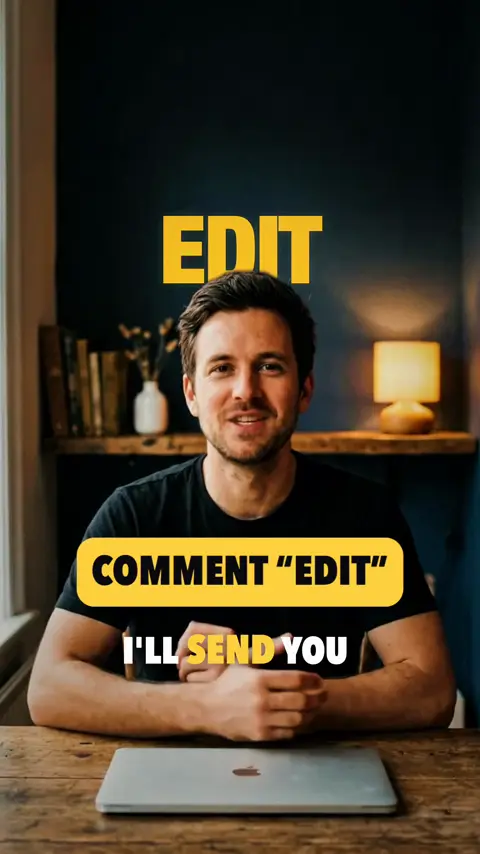
    Comment EDIT – I'll send you every phrase I used.

    COMMENT “EDIT”
Step 03 / 09Voice

An English voice. Every word on time.

The owner wrote

Voice the video, and do the lip sync when I say so.

The agent did

Voiced the 6 lines with the KIK voice in English – 24.25 seconds – and timed every word.

Step $0.05Reel $0.05
Lines 1-2 · ElevenLabs v4

Three edits that keep people watching. Watch them happen.

One: change the shot every three seconds – like right now.

Each bar is a word from the timing.
Step 04 / 09Raw

First – the “before”. Just gestures and voice.

The owner wrote

Let’s generate two more moves so they don’t repeat.

The agent did

Laid Kai’s gestures under the lines, 4 seconds each, so the same one never comes twice in a row, with the voice on its own track. This is the “before”: no transitions, no subtitles, no music.

Step freeReel $0.05
Raw · the first 6 seconds
Step 05 / 09Edit

Three passes. And custom shaders.

The owner wrote

Edit it properly – you can create effects and transitions yourself.

Still cheap. Get to a professional edit.

Still cheap. You can invent and create effects, animations or transitions yourself.

The agent did

The first edit came from the End Frame catalog, the second added a grade and music, the third followed its notes on 120 trend templates from the demo. Then it wrote two resources of its own in Metal shaders: the “Prism sweep” transition and the “Title behind the head” effect – a huge word that Kai’s head covers.

Step freeReel $0.05
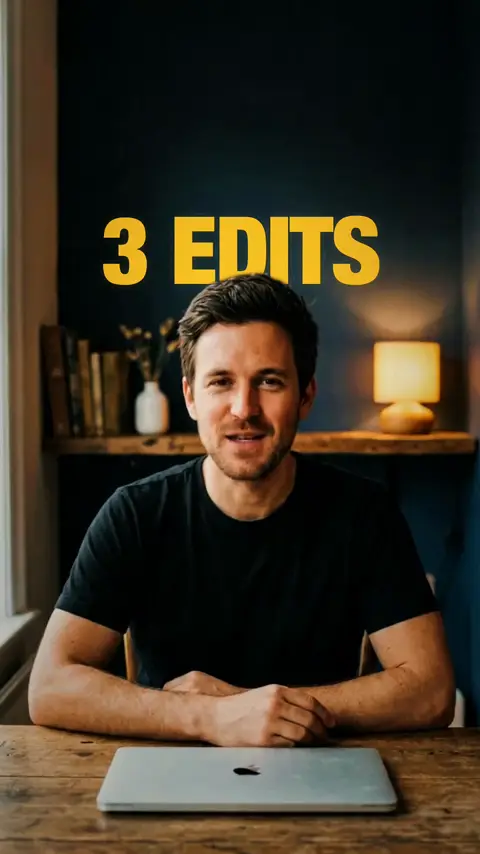
  • The “3 EDITS” hook behind the head0:00The “3 EDITS” hook behind the head
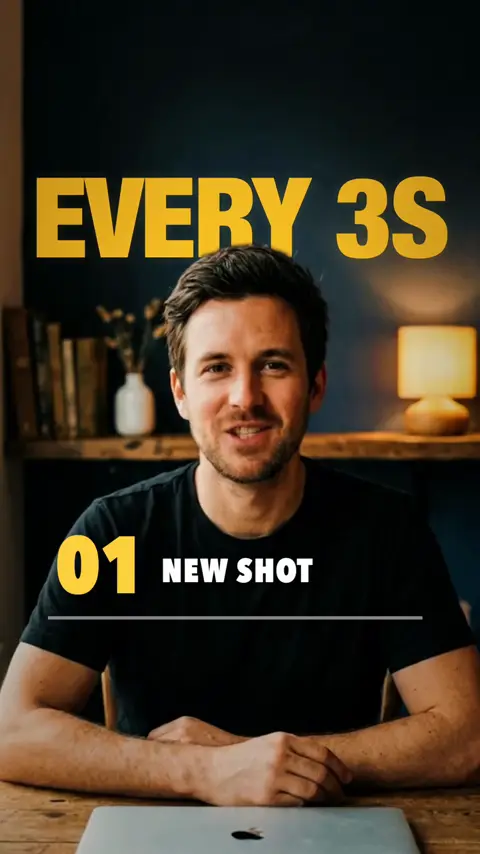
  • Rule 1 – EVERY 3S0:04Rule 1 – EVERY 3S
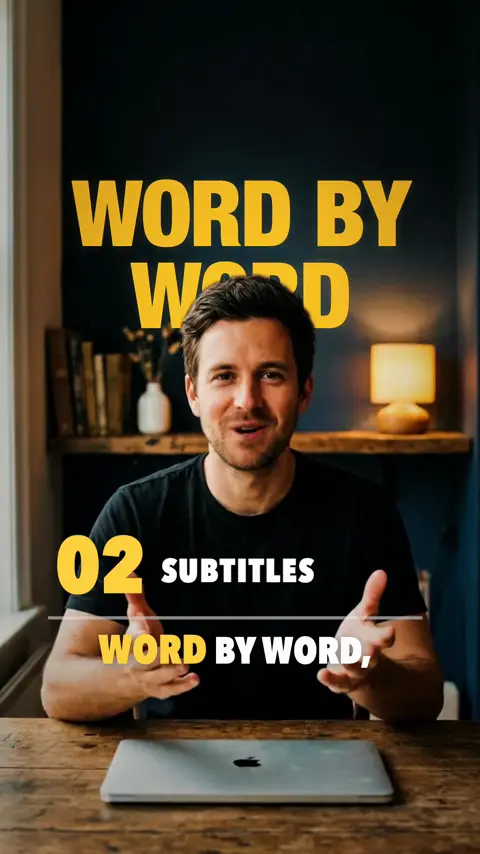
  • Rule 2 – subtitles word by word0:09Rule 2 – subtitles word by word
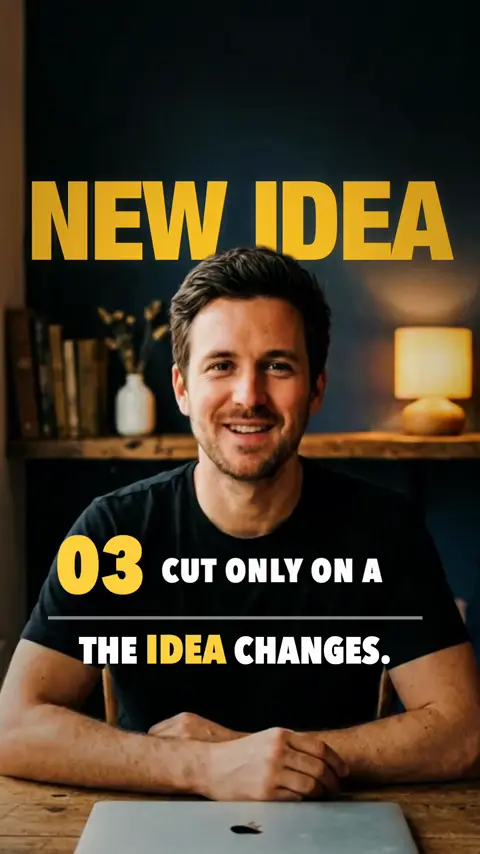
  • Rule 3 – NEW IDEA0:14Rule 3 – NEW IDEA
  • The End Frame window with chat phrases0:19The End Frame window with chat phrases
  • COMMENT “EDIT”0:22COMMENT “EDIT”
Step 06 / 09Music and sounds

Music on the cuts. 24 sounds on events.

The agent did

Generated music for the cuts: the accents land on the rule changes, and the music ducks under the voice. Placed 24 sounds on events – whoosh, hit, ticks, whip.

Step $0.12Reel $0.17
The reel’s music · ElevenLabs Music
A hit · sub-boom
Whip
Whoosh
UI tap
24 sounds on events, the music ducks under the voice
Step 07 / 09Lip sync

Lips on the voice. One pass for both videos.

The owner wrote

Do the lip sync for the voice. Send the cheapest one, like for Max, then cut it into pieces like before.

The agent did

Ran latentsync lip sync on the whole raw cut with the voice and cut the result back into the same pieces – in the raw and in the edit. Every cut, zoom and title stayed in place, only now the lips speak.

Step $0.12Reel $0.29
fal.ai latentsync · one pass for the raw and the edit
Step 08 / 09Before and after

Raw on the left, the edit on the right.

The owner wrote

Also cut a before-and-after: the “before” in black and white, the “after” – what we’re making now, like in the example.

Move the text down a little – it’s almost touching now.

The agent did

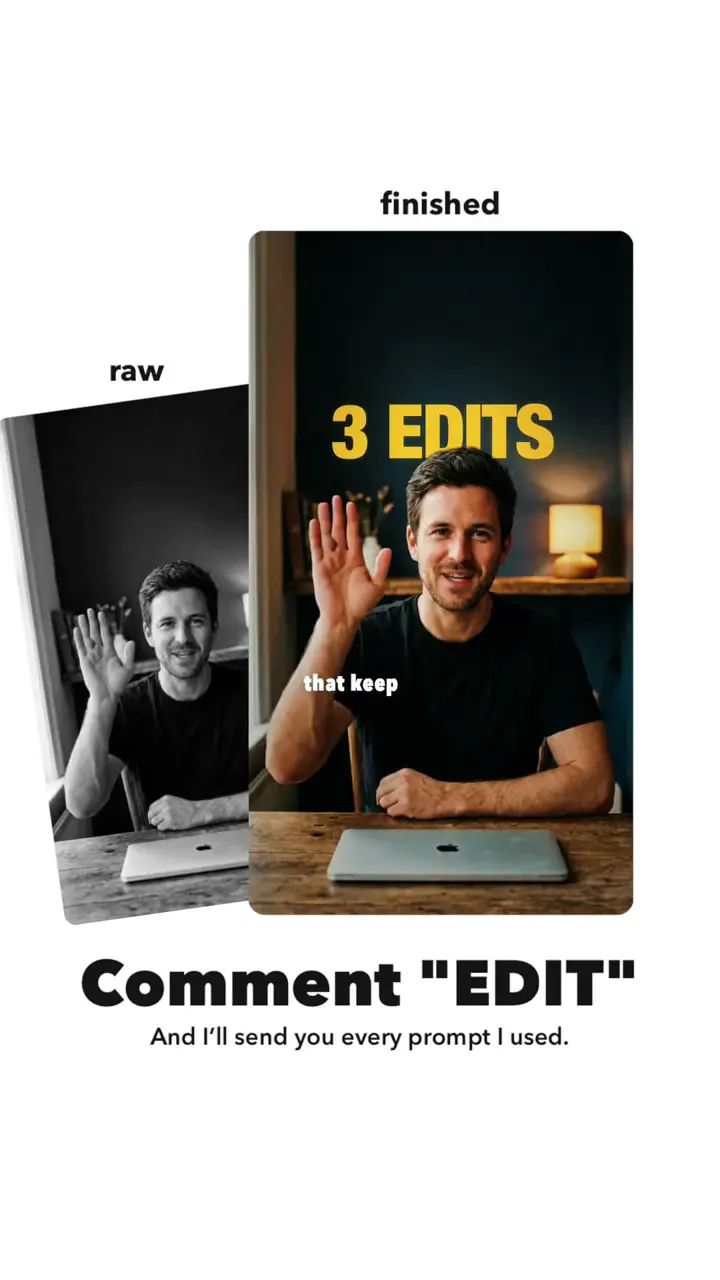
Built the third video after the example: a white background, the raw card tilted at the back in black and white without sound, the colour edit in front with all the sound, “Comment "EDIT"” below. From a point on the frame it moved the text 50 px down.

Step freeReel $0.29
Before · raw
After · edit
In the promo both cards play at the same time
Step 09 / 09Publishing

A new account, in 10 minutes.

The owner wrote

Move it to the endframeai folder, make a folder for the video there – and we’ll post the before-and-after to Instagram.

To @endframeai.

Let’s do it in 10 minutes.

The agent did

Moved the three videos to endframeai/no-timeline, helped connect @endframeai – a separate account from @end.frame.ai – and set the before-and-after for 8:11 pm. The auto reply to “EDIT” came after it went out, when the owner asked.

Step freeReel $0.29
Raw and the finished edit side by side on white – a frame of the reel
@endframeaiNovember 24, 8:11 pm
Published

I didn't touch a timeline once. 3 edits that keep people watching: 01 – a new shot every 3 seconds 02 – word-by-word subtitles, the key word pops 03 – cut only on a new idea Left: raw. Right: finished – every edit typed to Claude Code in End Frame. Comment "EDIT" and I'll send you every prompt I used.

Watch on Instagram

The result

Three videos. One chat.

$100 to an editor$0.29

Voice, music and lip sync. Kai’s gestures – $0.60 once, the series takes them for free after that.

a day of work65 min

From the first Veo gesture to the reel on the schedule – raw, edit and before-and-after in one go.

hours in a timeline0

times the timeline was opened. Three edits, two custom shaders, one fix point.

Make your own – install

Three steps to your first message.

About ten minutes. The details are in the guide “From install to your first video”.

  1. 01

    Download End Frame

    Drag it into Applications. Updates arrive on their own.

  2. 02

    Pick an agent

    Claude Code or Codex – on the subscription you already have.

  3. 03

    Open the project folder

    Videos, characters and assets live in a plain folder on your Mac.

Make one like it.
Tonight.

Download End Frame, open your project folder and write the agent your first message.

macOS 14+ · Apple Silicon · Claude Code or Codex on your own subscription