





Skip to content
How this reel was made

Six hours of editing –
one message.

A reel on @endframeai, 25 seconds, in English. Kai in a chair explains what End Frame can do, and every point shows up in the frame as he says it.

$0.30the reel itself, Kai in the chair and gestures – $0.90 once
23 minfrom the request to the publishing card
0times the timeline was opened
Coming soon on Instagram
How it went

Eight steps.
A new frame and five gestures.

The messages come from the project chat, translated from Russian. The prices come from the End Frame cost log.

Step 01 / 08Character

Kai in a chair. One anchor frame.

The owner wrote

Our character needs to be generated on a chair here too. Note that there’s a lot of zoom – pick the right frame.

The picture is good, but you can tell it’s AI. Make it more natural, like a real person.

The agent did

The frame was made that morning for another draft: Kai in a chair, full length, in 4K – room for zooms – as a separate version, chair. The “more natural” pass barely changed anything, and the agent said so plainly. At the owner’s request it used it anyway and kept the old picture in the version history.

Step $0.00Reel $0.00

Once – for every reel with Kai in the chair, two pictures: $0.30

Kai’s anchor · versions/chair
Kai’s anchor · versions/chairGemini 3.1 Flash Image · 4K
Step 02 / 08Gestures

Five gestures. From the anchor, back to the anchor.

The owner wrote

Let’s make 4-5 moves for Kai in the chair and edit it – no before and after this time, just a video with effects.

The agent did

Set the chair frame as the anchor and painted 5 gestures with Veo 3.1 Lite, $0.12 each: open hands, pointing, a raised hand, steepled fingers, a thoughtful nod. Each starts and ends on the anchor, so they cut together in any order.

Step $0.00Reel $0.00

Once – the gestures stay with Kai for the next reels: $0.60

  • Open handsOpen hands
  • PointsPoints
  • Raised handRaised hand
  • Steepled fingersSteepled fingers
  • Thoughtful nodThoughtful nod
Step 03 / 08Script

Seven lines. Every point in the frame.

The owner wrote

Come up with a story: why the app is valuable – and show it in the video.

The agent did

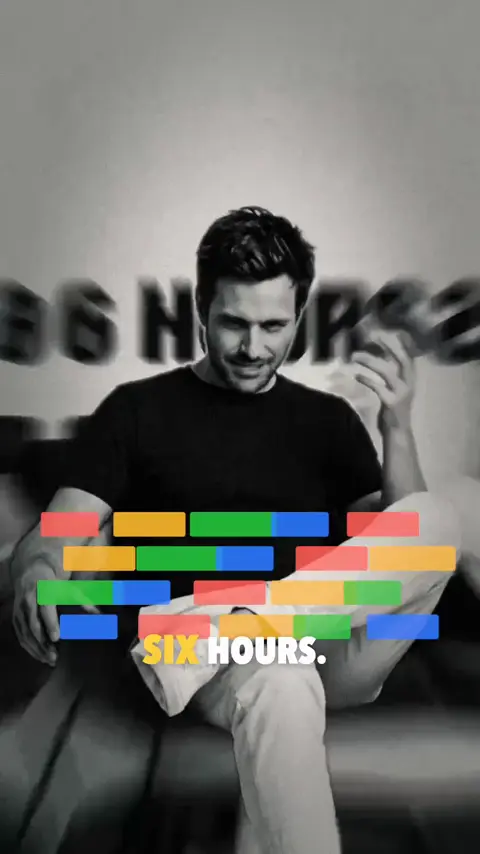
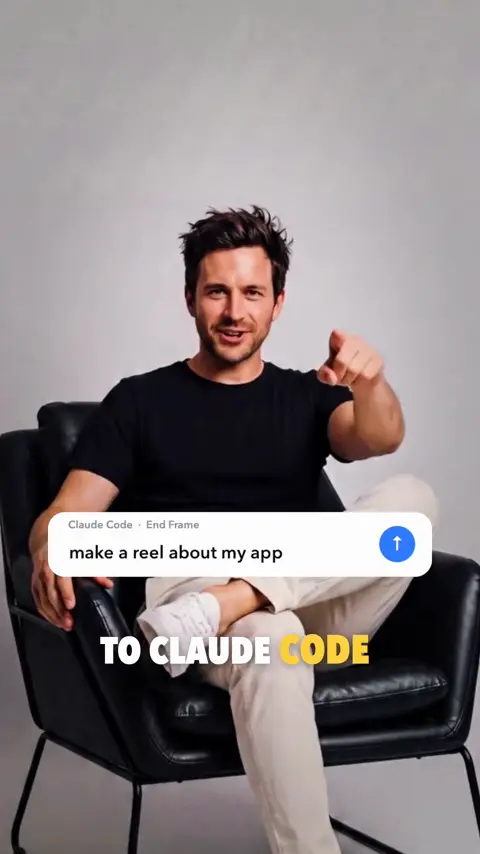
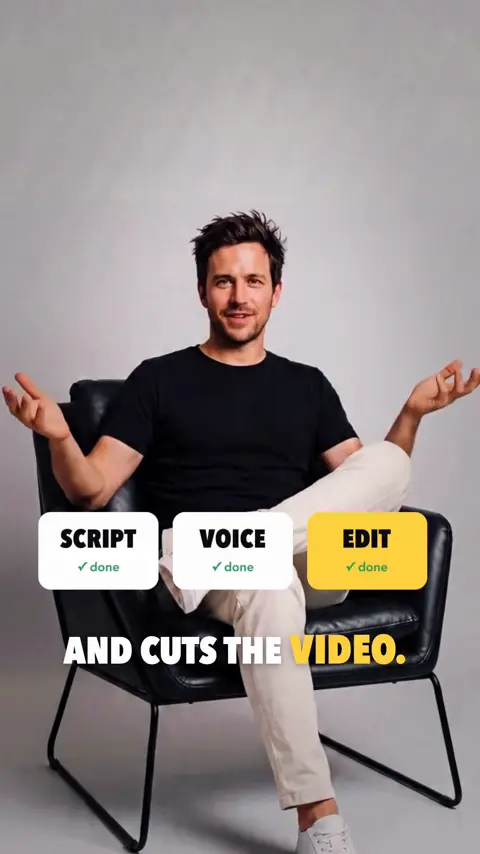
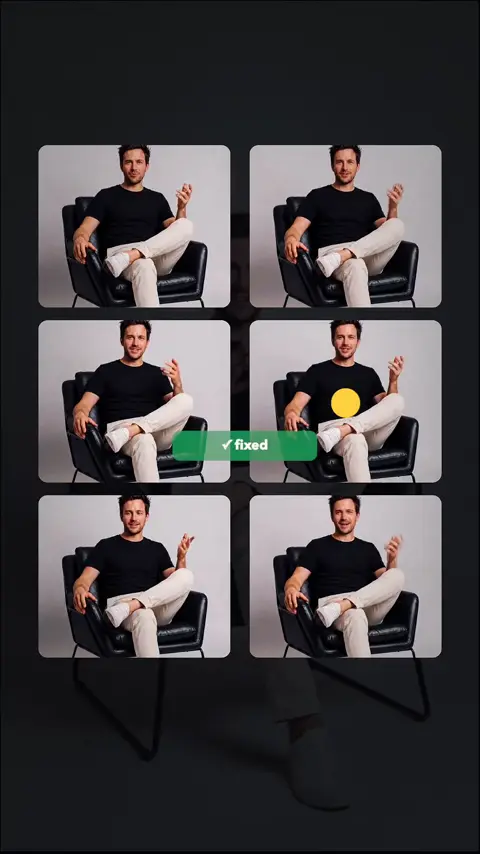
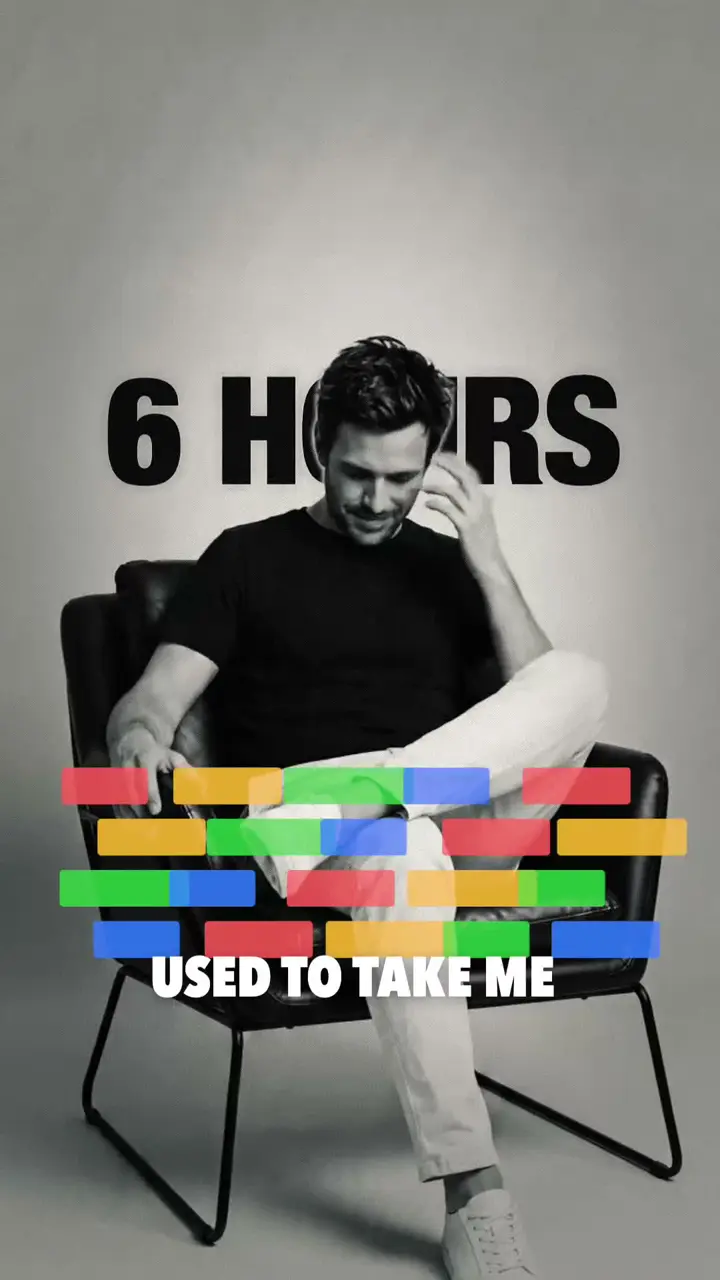
Wrote 7 lines in English: editing one reel used to take six hours, now it’s one message. Each line gets its own device: black and white with a shaking timeline, a chat bubble, SCRIPT · VOICE · EDIT cards, a frame grid with a fix point, a post card.

Step freeReel $0.00
  1. 1

    Editing one reel used to take me six hours.

    b/w, “6 HOURS”
  2. 2

    Now I type one message to Claude Code in End Frame.

    chat bubble
  3. 3

    It writes the script, records the voice, and cuts the video.

    SCRIPT · VOICE · EDIT
  4. 4

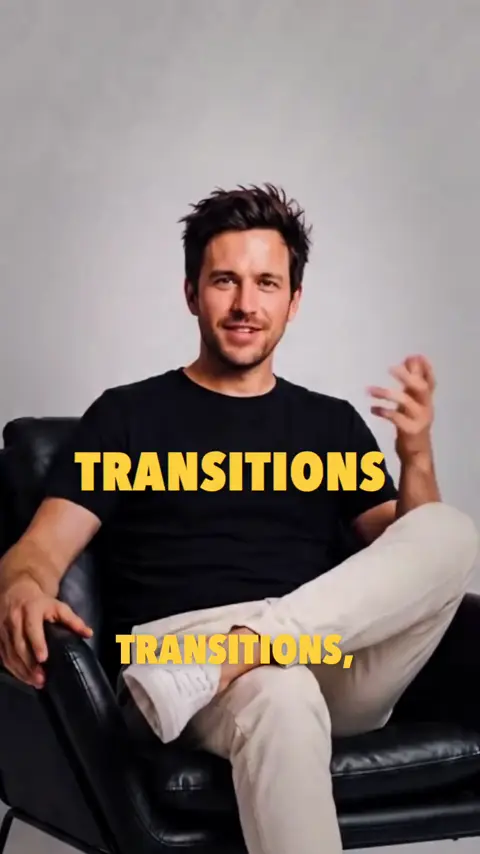
    Transitions, effects, subtitles, music – all of it.

    one trick per word
  5. 5

    I check every frame and fix anything with one tap.

    frame grid
  6. 6

    And it posts straight to Instagram.

    post card
  7. 7

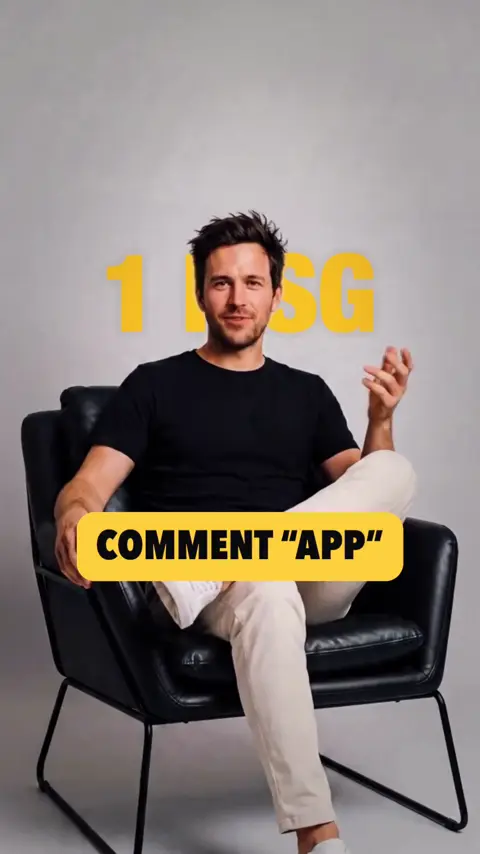
    Six hours became one message. Comment APP for the link.

    “1 MSG”
Step 04 / 08Voice

An English voice. Every word on time.

The agent did

Voiced the 7 lines with the KIK voice in English – 25 seconds – and timed every word.

Step $0.05Reel $0.05
Lines 1-2 · ElevenLabs v4

Editing one reel used to take me six hours.

Now I type one message to Claude Code in End Frame.

Each bar is a word from the timing.
Step 05 / 08Edit

The edit is code. A custom transition on “Transitions”.

The agent did

Built the edit in montage.ts on catalog transitions and its own effects: “Prism sweep” on “Transitions”, a glitch on “Effects”, a blur zoom on “Music”. Checked the render on a frame grid and fixed five spots – from subtitles over the frame grid to a “6H” that was barely visible.

Step freeReel $0.05
  • Six hours in black and white0:02Six hours in black and white
  • One message in the chat0:05One message in the chat
  • SCRIPT · VOICE · EDIT0:10SCRIPT · VOICE · EDIT
  • The “Prism sweep” transition0:11The “Prism sweep” transition
  • Frame grid and a fix point0:17Frame grid and a fix point
  • COMMENT “APP”0:24COMMENT “APP”
Step 06 / 08Music and sounds

Quiet – then the drop. When the colour returns.

The agent did

Generated music for this reel: a quiet start and a drop exactly where the frame turns from black and white to colour. The sounds came from the earlier reels of the series.

Step $0.13Reel $0.18
The reel’s music · ElevenLabs Music
A hit · sub-boom
A glitch on “Effects”
A whoosh on a cut
A tap on the frame grid
The sounds were already in the project, the music ducks under the voice
Step 07 / 08Lip sync

Lips on the voice. As the last step.

The agent did

Ran latentsync lip sync on the whole reel with the finished voice – the last step, once the edit was settled.

Step $0.13Reel $0.30
fal.ai latentsync · the whole reel in one run
Step 08 / 08Publishing

Caption, cover, schedule.

The owner wrote

Schedule it for Thursday at the same time too.

The agent did

Prepared the card for Thursday, November 26, 8:11 pm, and an auto reply to “APP”: a follow check, then the link to end-frame.ai. It reminded the owner to turn on the “AI info” label in Instagram.

Step freeReel $0.30
Kai in a chair with “6 HOURS” behind him – a frame of the reel
@endframeaiNovember 26, 8:11 pm
Scheduled

Editing one reel used to take me 6 hours. Now it is one message to Claude Code in End Frame: – script, voice and cut – transitions, effects, subtitles, music – I check every frame and fix anything with one tap – it posts straight to Instagram Comment "APP" and I'll send you the link.

Coming soon on Instagram

The result

One request. A finished reel.

6 hours of editing$0.30

Voice, music and lip sync. Kai in the chair and five gestures – another $0.90 once, free after that.

a day of work23 min

From the owner’s request to the publishing card – including five new gestures.

hours in a timeline0

times the timeline was opened. 2 messages from the owner, 1 render.

Make your own – install

Three steps to your first message.

About ten minutes. The details are in the guide “From install to your first video”.

  1. 01

    Download End Frame

    Drag it into Applications. Updates arrive on their own.

  2. 02

    Pick an agent

    Claude Code or Codex – on the subscription you already have.

  3. 03

    Open the project folder

    Videos, characters and assets live in a plain folder on your Mac.

Make one like it.
Tonight.

Download End Frame, open your project folder and write the agent your first message.

macOS 14+ · Apple Silicon · Claude Code or Codex on your own subscription